

9 Best Peeksta Alternatives For Dropshipping
Today, we will do our review of the best alternatives to Peeksta.
In my many years in the e-Commerce and dropshipping industry, I have used several tools that match what Peeksta can do—the best I will share with you.
The best alternative is our dropship spy tool, Dropship.IO. I say this because dropshipping starts with finding a product with a high demand, which we at Dropship.IO can provide. Without a tool like ours, you will waste a lot of money building a site and advertising.
Speaking of tools, the alternatives I will discuss with you may not be suitable for everyone. Despite that, I encourage you to try them to see if they fit your business needs.
Keep reading, and I hope you find one good alternative to Peeksta!
Top 9 Peeksta Competitiors
- Dropship.IO – best overall alternative to Peeksta
- JungleScout – best for PPC and keyword research
- Ecomhunt – best for quick product search
- Pexda – best for advertising on Facebook
- Thieve.Co – best for writing unique product descriptions
- Sell the Trend – best for searching for trendy products
- Spocket – best free alternative to Peeksta
- Commerce Inspector – best affordable tool for quick searches
- ShopHunter – best for product tracking
1. Dropship.IO – best overall alternative to Peeksta

Dropship.IO is a product hunter, store tracker, and trend analysis tool. Our product database lets you search for products and identify their sales potential. Not only will you see daily and weekly sales, but you will see sales from dropshippers like you, not the sales data of the supplier.
Dropship.IO Features
- Product Database – our product database is the tool that allows you to find winning products. It is so simple to use. Type the keyword, and our system will show you relevant products. From here, you can see the product’s sales volume and revenue. We offer several filters to refine your search results if you want to narrow your results.
- Store Tracker – you can track Shopify stores in your Dropship.IO account. The store tracker shows your competitor’s sales daily, weekly, and for the past 30 days. You also have the option to view the apps they use, their sales trend, and what products they offer in their store.
- Supplier – we have a list of suppliers you can contact through Skype should you start dropshipping.
- Chrome Extension – occasionally, you may find yourself on a website that sells a product like yours. Wouldn’t it be nice if you could add that site quickly to your list of competitors? With our Chrome extension, you can do exactly that. All it takes is a click to track your competitor’s sales performance.

Dropship.IO Pros
- You can expect reliable analytics for your product search
- You can track dropshipping stores and see their sales performance
- Easily add a store to follow with our Chrome extension
- See what apps Shopify stores use
Dropship.IO Cons
- We currently do not offer video and thumbnail makers.
Dropship.IO is what you need if your focus is product analysis. While we may not have AI for generating videos, I can say that this is not a problem. You can use many free tools to create thumbnails and videos for your ads, like Canva.
In the dropshipping business, what matters is the product’s strength when it comes to customer interest. One issue with many product spy tools is this: they show you the sales data of the supplier.
If you think about it, you have little use for that information. You need data that we have—sales from a dropship store. With this information, you can build a solid list of products that are all winners.
2. JungleScout – best for PPC and keyword research
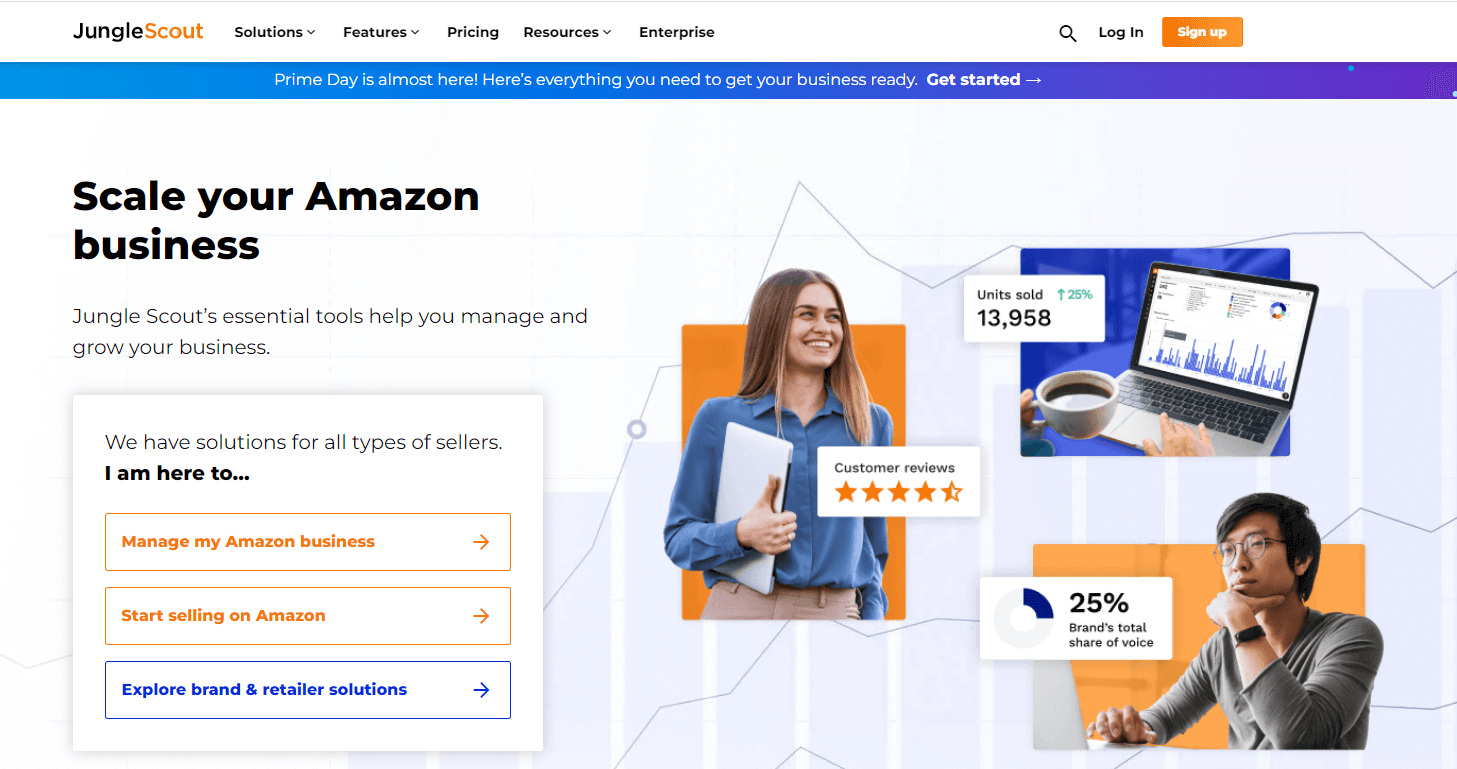
JungleScout is primarily an Amazon keyword research tool. They branched out after many years and now offer more services than PPC. For example, they now have advertising analytics, a list builder, a product database, and more.
JungleScout is popular among Amazon sellers. You can use it to your advantage to sell on the Amazon platform. I am not saying that it is only great for Amazon—the ton of information you can get from this tool can do amazing things for your data analysis.
JungleScout Features
- Product Tracker – like our tool, you can track products and see their sales performance. However, you can only do this for Amazon sellers. You can have at least 20 products in your tracking dashboard.
- Opportunity Finder – you can track or view at least three products daily with a high search volume but low competition. This tool is useful if you do not want to compete against many sellers selling the same things. If you see a winner and the product belongs to your niche, you can immediately add that to your store.
- Review Downloader – you can download reviews of customers for Amazon sellers. What you do with it is up to you. You can read them or analyze them. Surely, you must not upload them to your online store.
- Browser Extension – the extension shows important data about a product you are looking at. For example, you will see demand, profit projections, and sales data. You can also use this extension to validate your ideas. The tool works with another tool called AccuSales, which projects sales estimates for a product on Amazon.

JungleScout Pros
- Lots of tools to find keywords that people search for on Amazon
- You can track products listed on Amazon
- There is an opportunity finder where you can see products with a high potential for success.
- There is an academy where you can learn about the tricks and trades of selling online.
JungleScout Cons
- The tool works best for Amazon sellers.
- There are too many limitations to what you can do based on your subscription type.
JungleScout is an ideal tool if you will dropship in the Amazon platform. In addition, you can use JungleScout if the products you are selling are already available on Amazon. What I mean is you can use this tool even if you are selling in your store.
Use JungleScout if you are competing against Amazon sellers. You can also use it to know what people on the Amazon platform seek. These keywords are your baseline for determining what products have a big demand.
3. Ecomhunt – best for quick product search

Ecomhunt is one of the pioneers in spying. The creators grew their offerings over the years and reduced the number of countries they serve. Today, you would be lucky if you could create an account if you are not from the US.
Ecomhunt essentially tells you what products are currently trending. The system eliminates the need to go to a supplier site like AliExpress and analyze data individually. With Ecomhunt, the product details you need to see are easily available.
Ecomhunt Features
- Supplier Finder – Ecomhunt links you to the supplier who sells the item you are looking at. After researching, you will ultimately have to decide which one to sell. Instead of finding the product manually, you only have to click on a link.
- Classic Tool – you can only use this tool if you are paying subscriber. It is a product feed that shows hundreds of winning products. Click on one you like, and you will see data such as profits, analytics, and suggested retail prices. There is also a link to an ad on FB, if any, and data associated with the ad, such as engagement.
- Tracker – there are three things you can track: AliExpress store, Shopify store, and Facebook Ads. The tracker for Facebook ads is what you want here. You want to see if an ad is performing. If it is, you can create your version and use it to drive conversions.

Ecomhunt Pros
- You can analyze your competitor’s strengths and weaknesses
- The analytics is easy to understand
- You can find ads for a product and review them
Ecomhunt Cons
- There is a limit to the number of products you can search.
Ecomhunt is great if you want a quick look at a product’s performance and potential. You will also benefit from their resources. They have an online course for dropshipping, a podcast, a YouTube channel, and a community of dropshippers like you.
Overall, Ecomhunt provides a lot of value to you. However, you must prepare to shell out money. I suggest that you sign up for the free account first. If you like what you see, you can purchase a monthly plan (which they charge annually).
4. Pexda – best for advertising on Facebook
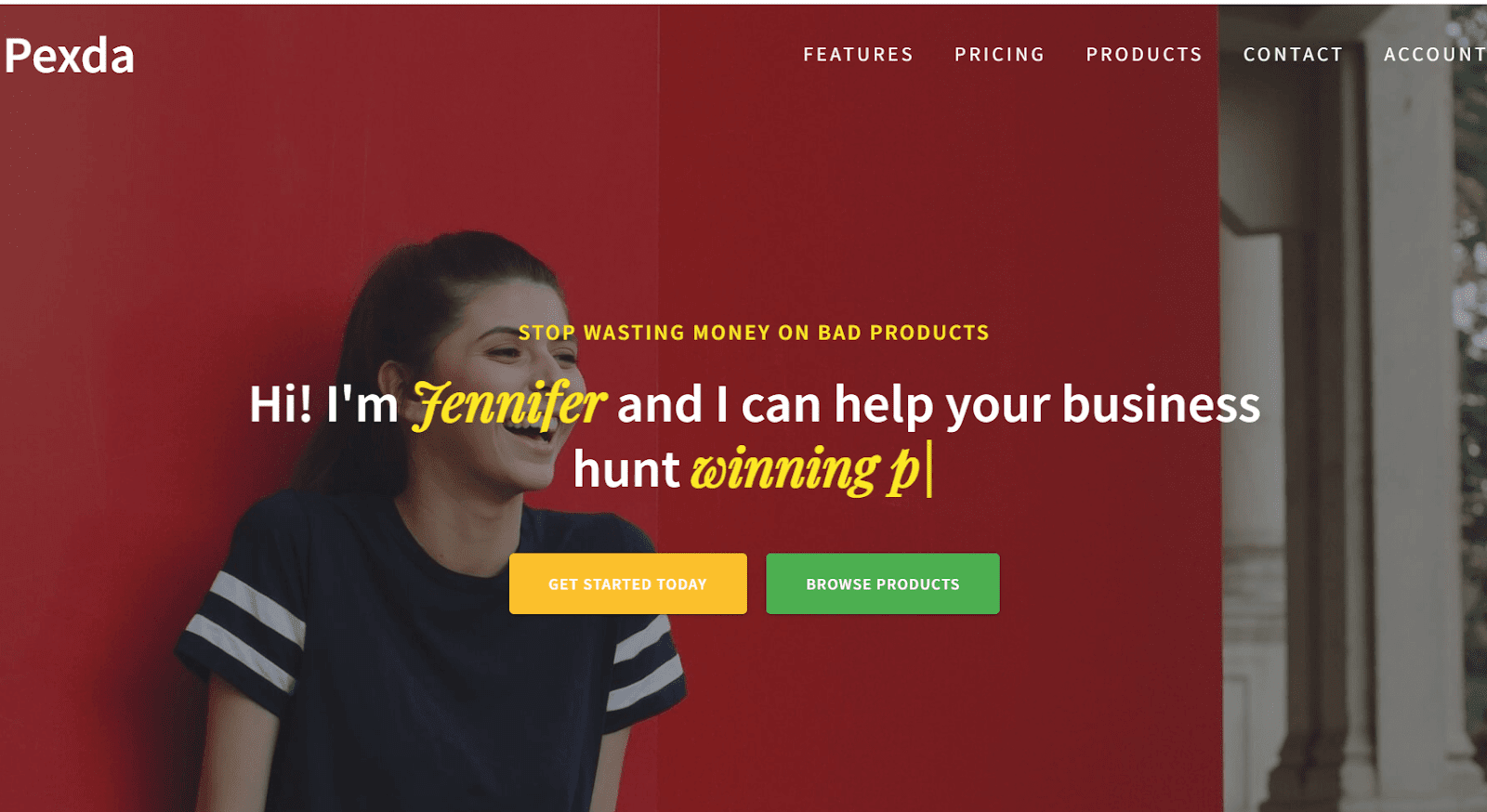
Pexda provides its users with a list of winning products every day. In addition, the system can also show you the best-performing ads on Facebook. This feature is good, as you do not have to waste time looking for Facebook ads and reviewing their performance individually.
Furthermore, we all know that ads are financially burdensome. I have experienced spending hundreds of dollars on ads that did not yield sales. Some ads I launched had many impressions but a dismal click-through rate.
Pexda Features
- Trending Products – the product trend feed shows several items gaining traction. These are products that are likely to get viral. This feed will show product stats like order count, likes, shares, and comments. The higher the stats, the better it is. However, note that a higher order count can also mean more competitors.
- Facebook Ad Copy – it is not easy to write an ad copy that works. With Pexda, you can view ads that are making sales and then get inspiration from how they wrote their advertising materials. You no longer need to experiment with the effectiveness of your words. Ultimately, this feature helps you save a ton of money from ads that do not convert.
- Multiple Sources – you can find products from various platforms like AliExpress, Facebook, Amazon, and Shopify stores. The data you use depends on the market you want to penetrate.
- Reports – you can download analytic reports from AliExpress, eBay, and Amazon. You can also choose to download reports based on user device and geography. In addition, you can also download a report with nothing but Facebook ads and their respective stats.

Pexda Pros
- You can discover hot products before they go viral
- The tool helps you target the right people who are likely to convert
- There is a new list of winning products every day
Pexda Cons
- The winning products do not always link to a supplier.
I recommend Pexda if you are now in the process of advertising your items. With it, you will get insights as to how you must launch your ad. In addition, there is also an area in the product hunter tool where you can see user engagement.
Overall, I can say that Pexda is an excellent tool if your goal is to get a high engagement rate for your ads. Instead of wasting money on doing A/B tests on ads, you can create them based on what works, which Pexda will show you.
5. Thieve.Co – best for writing unique product descriptions

Thieve combines several tools that allow you to build a marketing plan. It not only finds winning products, but it also helps you create content and product descriptions.
In addition, the tool can do a reverse image search. Instead of browsing through Amazon and AliExpress for a product you saw, you only have to upload an image, and Thieve will show you where to buy it.
Thieve Features
- Swipe Feature – if you want a quick look, go to the Swipe section for a product photo. Swipe left or right if you do not like it. If you do, click it to see the product’s details. Some examples are order count, rating, description, and supplier source.
- Chrome Extension – they also have an extension that allows you to save products from selected stores. For example, if you are looking at a Shopify product, you can use the extension to find a supplier. You will also see important stats if the item is in Thieve’s database.
- Content Generator – all you need to do to use this tool is enter a product URL from AliExpress. The AI will rewrite the product description, title, and other details to make your version unique.

Thieve Pros
- They have AI that can generate product descriptions
- The tool has a supplier finder; it will look for suppliers of the product you want to sell
- The reverse image search makes it faster to search for products
Thieve Cons
- There is no pricing transparency.
Use Thieve if you want to concentrate on writing ad copy or product copy. The thing is that you do not need to pay for this. There are many AI tools out there that can help you write product descriptions, like ChatGPT.
Thieve, in my opinion, is great for product search. However, it is missing the element of ads. Once you see a product you want to sell, there is no section where you can find relevant Facebook ads.
It also has no tracking system. You cannot track stores or how they perform. Since you cannot observe your competitors, there is no way of knowing if the product you want to sell is performing well. s
6. Sell the Trend – best for searching for trendy products
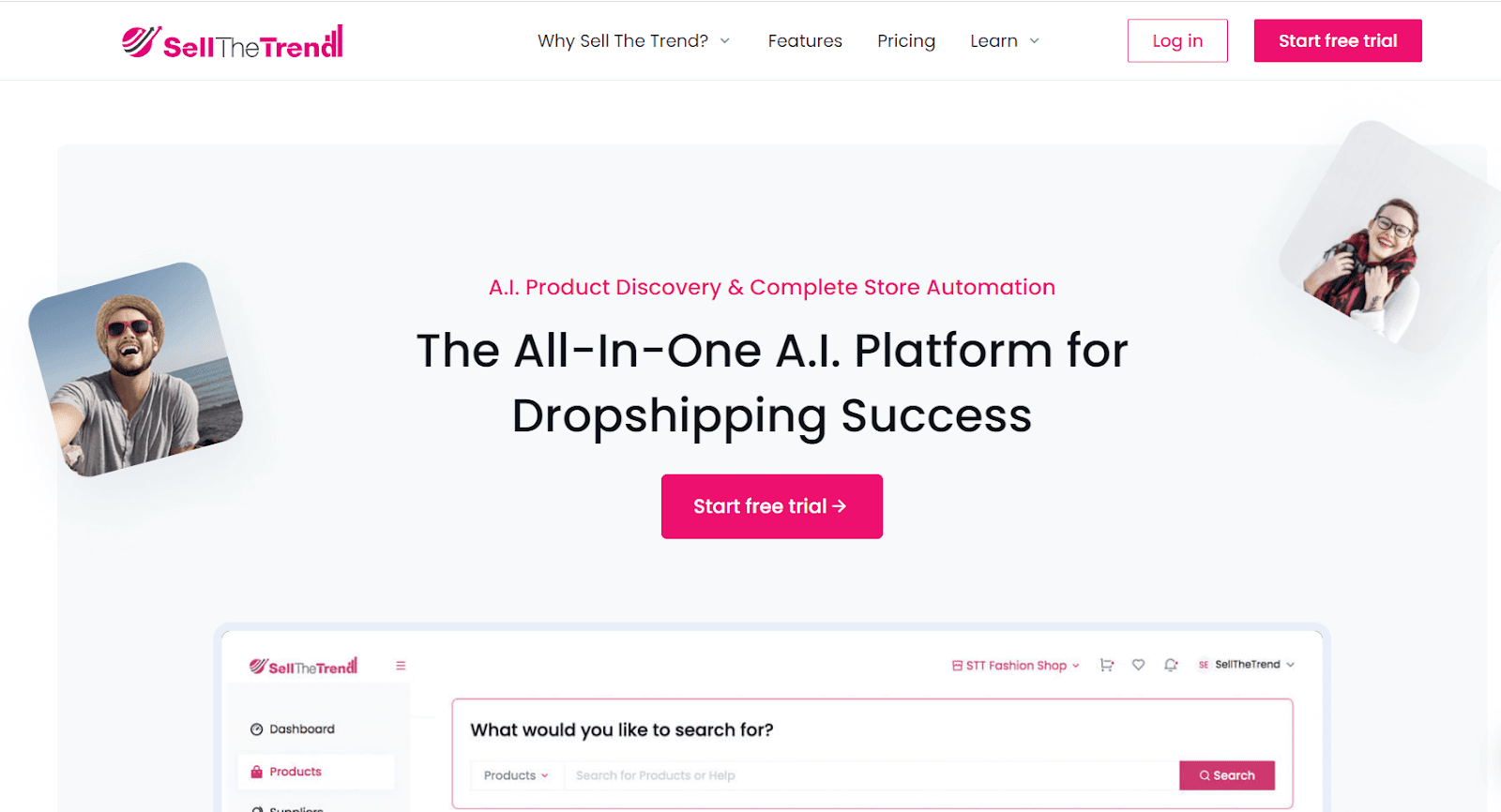
Sell the Trend has a strong focus on viral products. I recommend it if you are a seller who loves to chase what’s hot. The tool shows you winning products and can help you create winning ads.
Sell the Trend integrates with WooCommerce and Shopify. In addition, they have a tie-up with CJDropshipping and AliExpress, both of which are excellent supplier sources. You can use both, but I suggest starting with one.
Sell the Trend Features
- Ads and Facebook Audience – this tool can build an audience in your Facebook ad account. Too often, we target the wrong people, which makes us fail in our advertising endeavors. With this tool, you can now leverage data to give you an advantage in choosing an audience likely to purchase.
- Store Automation – you can import products from the supplier (AliExpress or CJDropshipping) to your store. You also have the option to fulfill the orders automatically. You do not have to go back to AliExpress to satisfy the order.
- Integrations – you have four integration options. Two are for the store platform, and two are for supplier sources. Since all these integrate with Sell the Trend, you only need to manage your store from one dashboard.
- Influencer Calculator – this unique Feature allows you to calculate potential returns f you invest in an influencer. It can give you insights into whether or not an influencer’s engagement rate can help you make sales.

Sell the Trend Pros
- The company offers several tools.
- There is an importation system where you can transfer products to your store.
- The system integrates with two major e-Commerce platforms
- There is a tool that helps you know if an influencer is worth your money
Sell the Trend Cons
- Too expensive; the lowest plan costs $39.99 per month.
Sell The Trend works best if you want to build a store selling items from Chinese suppliers. Since the main sources are CJDropshipping and AliExpress, you can expect that most products you find will ship from China.
I recommend Sell the Trend if you need a single platform to find winning products, import products, and create ads. Finally, they have a video ads creator, which can also be a significant time-saver.
One final word about the influencer calculator: it does not tell you sales data from influencers. Instead, it gives you an analysis of how the influencer’s followers engage with their posts. The higher the engagement rate, the better it is for you as an advertiser.
7. Spocket – best free alternative to Peeksta

Spocket is a basic dropship supplier/ import tool. It was one of the pioneers in the industry, and they specialize in product importation from suppliers straight to your store. Today, they also offer a pseudo spy tool where you can find winning products for your dropshipping store.
While Spocket does not have all the bells and whistles of AI, it does serve an important role—find reliable suppliers who will not fail you.
Spocket Features
- Integration Options – you can integrate Spocket with Shopify, WooCommerce, Wix, Ecwid, Square, and many other platforms. Integration is also possible with Alibaba and AliExpress.
- Filtering – what I love about Spocket is that you can filter your product search based on the product’s location. It means you can search for products in the US, which is important if your target market is the US. Too many times, dropshippers choose items that ship from China, only to suffer from excessive refunds and cancellations.
- Support – the Spocket team is available 24/7 for a chat. Most dropship supplier companies do not offer customer service like this. You can rely on Spocket customer support reps whenever you need them.
- Supplier Communication – you can chat directly with your supplier. Some supplier tools like Printify do not allow this. You cannot chant with the supplier, making it difficult to get answers t your questions. With Spocket, you can take your issues straight to the supplier.

Spocket Pros
- The system is so easy to use
- They offer a free account
- They have a filtering system based on product location
Spocket Cons
- The free account does not include product importation.
Spocket drops winning products to your dashboard, but there is no personalization here. As such, you may receive a list of winning products from niches you do not belong to. In addition, the free version only allows you to browse products, not import them.
What you will love about Spocket is the integration. They have been in the dropshipping industry for a while, and now you can integrate the system with several platforms.
8. Commerce Inspector – best affordable tool for quick searches

Commerce Inspector is a Chrome extension that reveals product data. You can use it while you are randomly browsing products online. It is like a real-time monitor that shows you information even if you are not actively looking for it.
Commerce Inspector Features
- One-Click Bestsellers – this feature lets you view a store’s particular bestsellers. Some stores may have thousands of products, but only a few of these products are moving. If you know their bestsellers, you can sell the same things with a better likelihood of success since you know that these products are in demand.
- Product Data – you can view charts visually representing a product’s performance in the past weeks or months. Use this if you want to determine whether a product is merely a trend or if it will last in the market.
- Apps and Tools – Commerce Inspector will show you (like we do) what apps a Shopify store has. The benefit of this is simple: you avoid experimentation. If your competitor uses Loox product reviews, you might also use that.

Commerce Inspector Pros
- The Chrome extension is a handy tool
- Apart from sales, you can also view a store’s traffic source
- The tools can also direct you to the Facebook ads of your competitor
Commerce Inspector Cons
- There is no dashboard—you only get to work with an extension.
Commerce Inspector is great if you do not track lots of products. It is an excellent choice if you want product research in its simplest form. However, this limitation can be a bottleneck should you come to a time when you want to expand.
9. ShopHunter – best for product tracking

ShopHunter is an excellent spy tool if you need real-time updates. The system can show you sales revenue, volume, and even the latest trending products.
ShopHunter Features
- Global Data – the tool curates millions of data points at your disposal. As such, you can get information from stores mainly in other countries. You can only track 25 stores at the basic plan, so use this allocation wisely.
- Top Products – the feed shows you the top stores according to your select date range. You need to use this feature if you are looking for a viable product and want to do it fast.
- Store Spying – like our tool, you can enter a URL in this feature ShopHunter will show you stats for that store. You can see stats like sales volume, revenue, and more.
- Top Sites – the tool has a default list of the top 20 global sites. These are big stores—not dropshippers. Nevertheless, you can use this information for inspiration.

ShopHunter Pros
- You can track a lot of stores, which is imperative if you are in the beginning process of dropshipping.
- They provide excellent customer service through their email and ticketing channels.
- Data update happens in real time.
ShopHunter Cons
- There is no free account, and the tool is expensive.
ShopHunter offers educational videos for its users. It has a YouTube channel where you can learn how to use the tool to your advantage. Right now, ShopHunter only has six videos. Not a lot, but then they serve a purpose: show you how to use the tool.
If you ask me, ShopHunter is a simple tool. It provides you with spying capabilities, but compared to our product database, you may find ShopHunter lacking in data analysis.
Finally, they have a community in Discord. Once you sign up for a ShopHunter account, I suggest you join this community. You will find atone of helpful information here about dropshipping. The best part is that the things you learn are from real-life problems, not from
Do you need all the tools of Peeksta?
No, you do not need all the tools in Peeksta. You should not pay for the AI tool that generates product descriptions. You can do this for free with ChatGPT or its equivalent.
Next, you also do not need all the ad analysis tools. Not all of us dropshippers advertise on TikTok. Facebook and Google ads should be enough to start with.
What are the main systems you need from a spy tool?
The main tools you need from a spy tool are:
- Product research – see the sales performance of a product you want to sell
- Store tracker – track the revenue of a store that you are competing against
- Product tracker – track the sales volume of a proud daily, weekly, and monthly
- Chrome Extension – install this in Chrome so you can track products and stores with a single click
Many tools offer a multitude of features you will never use. It feels great to have these tools on standby but know that you are wasting money paying for tools you do not need. A spy tool has to be simple, useful, and data-driven.
Do not let other spy tools lure you into paying much money. Choose a simple spy tool that does the job—one that directly impacts how you make business decisions.
Peeksta Alternatives FAQ
What is Peeksta used for?
Peeksta is primarily a product hunter tool. You use it to search for winning products with sales or high demand.
What is a winning product?
A winning product is one that people buy. Dropshippers must sell these products to increase the likelihood of success.
What is a spy tool?
A spy tool is a software program that scrapes data from online stores. The spy tool shows you information you would otherwise never see if you viewed them as a website visitor.
Which tools are used by dropshipping?
The best tool to use for dropshipping is a spy tool like ours. We offer a product database where you can find winning products.
How do I find the best product for dropshipping?
Start with a niche that you like and understand. From here, drill down your product search. Use the filters in our tool to narrow the results to the items you would love to sell.
Summary
The next step in your journey is to try our product database. We offer a 7-day free trial, which, from experience, I can say, is long enough to see what we can do for you.
Dropship.IO is by far the best alternative to Peeksta. Although we do not analyze ads as they do, the data we provide is invaluable—our goal is to help you make sound and informed business decisions about your product search. Try it now and see the difference!


