

Does Facebook Marketplace Charge Fees? (2026 Guide)
The guide identifies the fee shown for a seller’s exact Facebook Marketplace route and combines it with four other order costs to test contribution.
Facebook Marketplace does charge fees on some checkout or delivery paths, while local listings can be free. The options depend on your location, account, and transaction route. Confirm the active seller flow before setting a price.
I ran Shopify stores, and I learned to count every transaction cost before calling a sale profitable. The Marketplace Fee Check turns that lesson into a repeatable pricing decision.
Key takeaways
Does Facebook Marketplace charge seller fees?
Facebook Marketplace fees depend on how the buyer pays and receives the item. A local handoff may show no seller fee. An available checkout or delivery route may show a deduction and its basis. Meta says shipping availability varies by location, so check the exact flow attached to your listing.
The two routes below show where the fee decision changes.
A local handoff can use a different path
A local handoff uses the terms shown when you arrange a sale with a nearby buyer. If the listing shows no Marketplace checkout, delivery service, or seller deduction, record it as a local route. A free listing still has supplier, travel, packaging, return, and promotion costs.
Meta's Ways to sell on Facebook page says shipping availability may depend on where you live. A local-only account may never show the payment or delivery options described for another route.
Write down what the buyer must do next. With a message-and-meetup sale, you and the buyer can handle payment and collection. An onsite checkout may add platform terms before the order reaches you. Both listings appear inside Marketplace, but they create different transactions.
For a local route, save a small evidence set,
- Listing URL or item ID
- Pickup or meetup wording
- Payment method shown to the buyer
- Seller deduction shown in the flow
- Date and seller location
The seller deduction may read as zero or be absent from that route. Save the screen, but don't treat one result as a rule for all local listings.
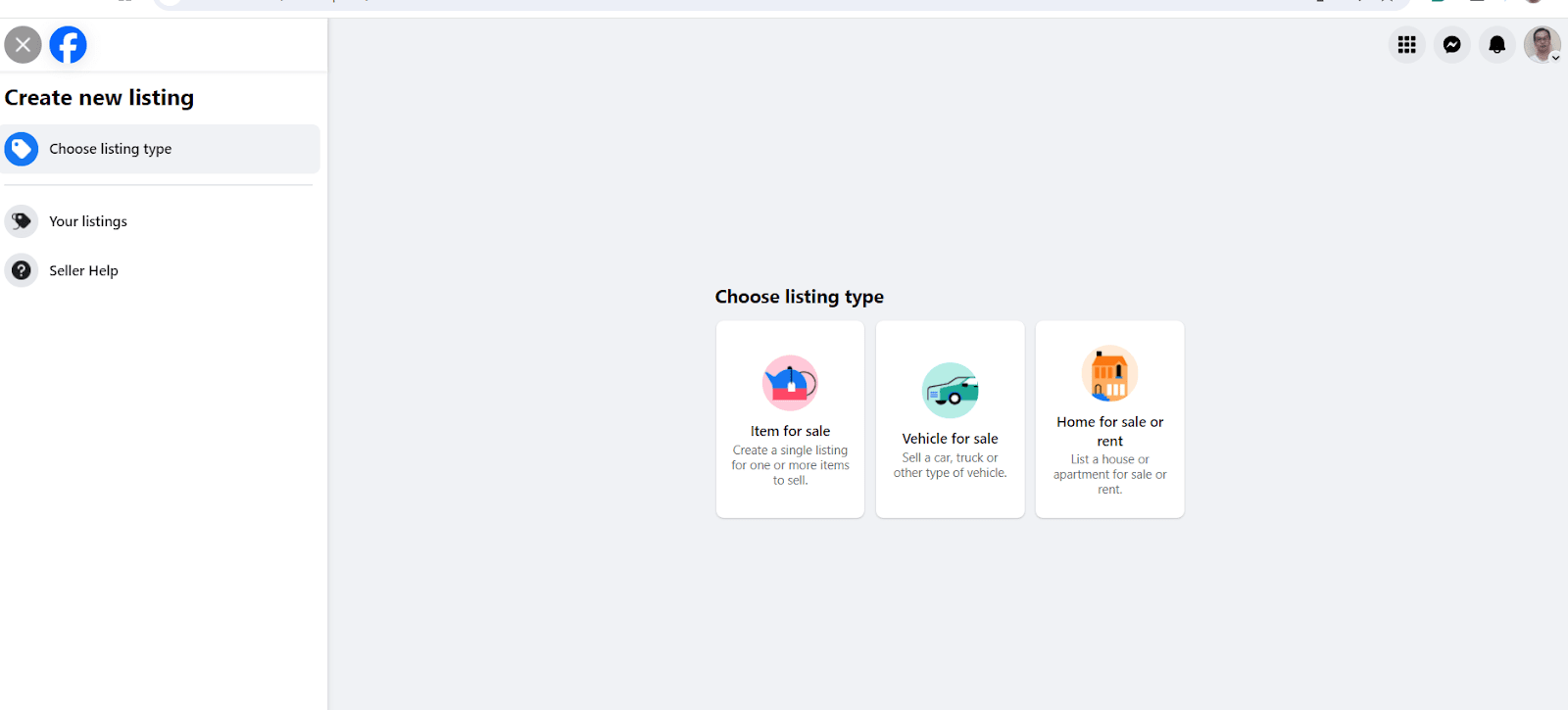
This screen maps the listing types, but it doesn't prove which fees or checkout options your account shows.
A shipped checkout needs a current check
A shipped checkout needs the rate and fee basis shown in the active seller flow. The deduction might apply to more than the item price. Save the label that names the checkout components Meta includes. Then use that basis in your margin calculation.
Meta's Help Center may show that shipping isn't available in the viewer's location. That proves the options vary. It can't predict what another country or eligible account will see.
When a delivery route appears, follow it until you see the seller terms. Look for the amount Meta deducts, the order value used for the math, and any minimum charge. Note who buys the label. Also record when Meta releases the payout because both details change order profit or cash timing.
The label matters as much as the number. A fee based on the item price produces different math from one based on the full checkout total. Copy the wording in full so you don't have to reconstruct it later.
A generic screenshot can't prove how your route works. Price from the disclosure attached to the listing.
Verify Meta's current fee before pricing
The Marketplace Fee Check turns the active seller disclosure into a route-specific pricing input. Run these three stages in order,
- Confirm: Check your country, whether the account is eligible, and the order path.
- Record: Save the displayed rate, basis, terms, and check date.
- Repeat: Confirm the disclosure again before changing the route or price.
Carry the record from each stage into the next one.
1. Confirm country and sale path
Start with the account, location, and listing that will handle the real order. Open the listing as the seller. Note whether the buyer will collect it, use delivery, or complete an available Marketplace checkout. That way, terms from another route don't slip into a local listing.
Transaction record
The confirmation record needs these fields,
- Seller country and account type
- Product and listing type
- Whether the buyer picks it up or uses delivery
- Checkout location, if one appears
- Date and device used for the check
Use the real seller account. A public Help Center page can describe the routes in broad terms. It can't prove which options your product, country, and account have. The listing screen gives you that account-level evidence.
Checkout surfaces
Separate these three surfaces while you check,
- Marketplace may host a local listing.
- A Facebook Shop may send the buyer to another checkout.
- Your own store may take the payment outside Meta.
Record where the buyer pays before you attach a fee to the order. The route passes when you can reproduce the same options from the listing. If the expected choice is missing, pause the calculation because you haven't confirmed the transaction path.
2. Save the fee and its basis
Save the exact fee, its basis, and the terms shown for that route. A percentage without a base can't give you a reliable fee. Record whether that base includes the item price, delivery, tax, or another checkout amount. Put the date beside it.
Before the order goes live, save a private text record with the route name, rate or amount, fee basis, seller country, and visible date. Keep the buyer's name, messages, street address, order ID, and payment details out. Record the final payout estimate too, so you can confirm that the deduction reached the order total.
The worksheet also needs the source URL or account path. You can then trace the input if a later payout differs.
Meta's Seller Agreement covers Commerce Features and says price and fee details must be accurate. It also makes sellers responsible for refunds, chargebacks, changes to shipping, and related fees.
An authenticated Marketplace fee screen isn't public, so the article can't establish your account's rate. Your in-flow disclosure supplies that missing fact.
3. Repeat the confirmation before a price change
Repeat the same confirmation before you raise, lower, relist, or move the price to another route. A new country, account status, fulfillment option, or Meta update can change the flow. Your earlier record shows what you saw then, while the new account result supports the price you use now.
Run the check again after any of these changes,
- Seller country or account status
- Whether the buyer picks it up or uses delivery
- Product type or listing format
- Fee notice or Seller Agreement update
- Price from the supplier or method of delivery
Compare the previous and new rate, basis, and terms. Replace any input that changed. If nothing changed, keep the record with the new observation date.
I use the active seller flow for pricing because it's closest to the order. For broader access and policy questions, I turn to Meta's help pages. A generic article or screenshot may raise a question, but it can't settle a live fee conflict.
This stage passes when the new record matches your worksheet. If the amount, basis, or route changed, update the calculation before the listing goes live.
Calculate the order margin after the fee
A Marketplace order works only when its remaining contribution covers every cost tied to the sale. To calculate it, you need a verified fee basis and a complete cost record.
Keep non-Meta costs separate
Supplier and operating costs change your margin without changing Meta's stated fee. Your margin is the money left after the order's variable costs. Give each input its own source because one missing cost can turn an estimated profit into a loss.
Record the order-level inputs in separate rows,
- Customer checkout total
- Applicable Meta fee
- Supplier charge
- Cash set aside for delivery and returns
- Acquisition cost
Use the invoice or quote for the supplier charge, and make sure it matches this product and destination. The delivery cost covers the label or local handoff.
Set aside the return reserve for refunds, replacement items, or shipping items back. Record what you spent to get the order as the acquisition cost.
Keep the tax you collect out of earned revenue. It still matters if Meta includes it in the displayed fee basis. Follow the flow's label. Don't count collected tax as money available for your costs.
Payout timing belongs beside the cost stack. It doesn't change contribution, but you may have to pay the supplier before Meta releases the funds. Put the supplier due date, expected payout date, and return reserve in a separate cash check. I keep those rows separate because one "Marketplace cost" line hides the change.
After you collect the inputs, set the customer price with our product pricing guide.
Use the displayed basis in the formula
Multiply the displayed fee rate by the checkout amount that Meta names as its basis. Work through the saved values in this order,
- Multiply the displayed rate by the displayed fee basis.
- Subtract that fee and the other variable costs from the checkout total.
- Compare the amount left with your target.
This keeps your math tied to the fee basis named on screen. Keep the exact labels from your saved disclosure. Then use this operation,
Applicable Meta fee = displayed rate x displayed fee basis
Remaining contribution = customer checkout total - applicable Meta fee - supplier charge - delivery and return reserve - acquisition cost
For a shipped listing, copy the checkout total, fee rate, and basis into the worksheet. Then add the supplier quote, delivery cost, reserve, and acquisition cost.
Use values from the same order. Every input must match its route, product, destination, and date.
Compare the result with the target you chose before listing. A positive number may be too small to cover overhead or service work. A negative one fails at once. In either case, raise the price, cut a verified cost, change the route, or reject the order model.
The visual keeps every cost visible. Its values can change because a fixed rate may age or be wrong for your account.
If the fee basis or supplier quote changes, run the math again before accepting another order.
Check policy and fulfillment fit
A low fee doesn't mean the item or shipping route will work on Marketplace. You still need to follow the current listing rules in Meta's Commerce Policies. You must also meet your delivery and return promises. Buyer messages need an owner too.
Check the two operating risks below before you publish.
Check the current Commerce Policies
Check the current policy for the product, seller location, and listing before you source it. Meta says its Commerce Policies are the rules that apply to content on Marketplace. The page calls Marketplace a place for consumer-to-consumer sales and warns of limits on business sales in the European Economic Area, the Philippines, and India.
That text changes the choice for a dropshipping business. If you're in a named region, confirm that your business may sell before you continue. A similar listing doesn't prove permission. Elsewhere, the product and seller account still need to pass the current policy and listing flow.
Read the listing as Meta will see it. Check the product, condition, title, description, images, price, and seller location against the current page. The category may comply while the photo, claim, or condition breaks another rule.
Save the policy URL and access date. If Meta links a rule from a rejected listing, add it to the same record. That specific rule is more useful than a copied list of banned products. The fee check is one part of our Facebook Marketplace dropshipping guide.
Keep the policy page and listing result beside the cost record. If Meta rejects a compliant listing, its Help Center explains how to request a Marketplace review. A successful review can restore the listing. It can't guarantee that the product or account will stay eligible after a policy change.
Test delivery, returns, and messages
Test the full customer promise before a supplier sends an order to the buyer. Confirm handling time, tracking, delivery estimate, return address, refund owner, and the inbox for buyer questions. The route fails if you can't control or verify one handoff.
Run one pre-listing test with no customer involved,
- Ask the supplier for a delivery quote to that destination.
- Confirm which name and documents appear inside the parcel.
- Send tracking through the same channel a buyer would receive it.
- Write the return address and refund decision owner.
- Time a response through the Marketplace message inbox.
Give each handoff a pass or fail result. A supplier screenshot can support stock or packaging.
A test order to that destination gives you stronger proof of delivery and item condition. Keep the weakest result visible instead of hiding it in an average score.
Fix whichever handoff failed. Replace a supplier that can't provide neutral packaging. If delivery needs more time, revise the listing's delivery estimate to match the verified time. Before launch, write out the return route and give one inbox owner a response schedule.
The seller owns the promise even when the supplier ships the parcel. A low displayed fee won't fix a late delivery, unusable return route, or unchecked inbox.
When another selling path fits better
Choose another path if you can't make money, follow Marketplace's rules, or meet your buyer promise. A local sale can cut shipping work. Your store gives you control over checkout and customer messages. Another marketplace may fit the product and destination better.
Your store adds costs for hosting, payments, and ads. A local handoff cuts delivery distance but limits your reach, and another marketplace brings its own fees, rules, payout times, and competition.
Match the route to the constraint that failed,
- Use a local handoff when delivery costs break the model and you or a local supplier can stage the item.
- Use your own store when checkout control or customer data matters most.
- Use another marketplace when product fit or buyer access is stronger there.
Whichever route you choose needs a fresh cost and policy check. If you reuse the Marketplace worksheet, replace its fees, payout timing, and fulfillment owner. Otherwise, the missing input follows you to the new channel.
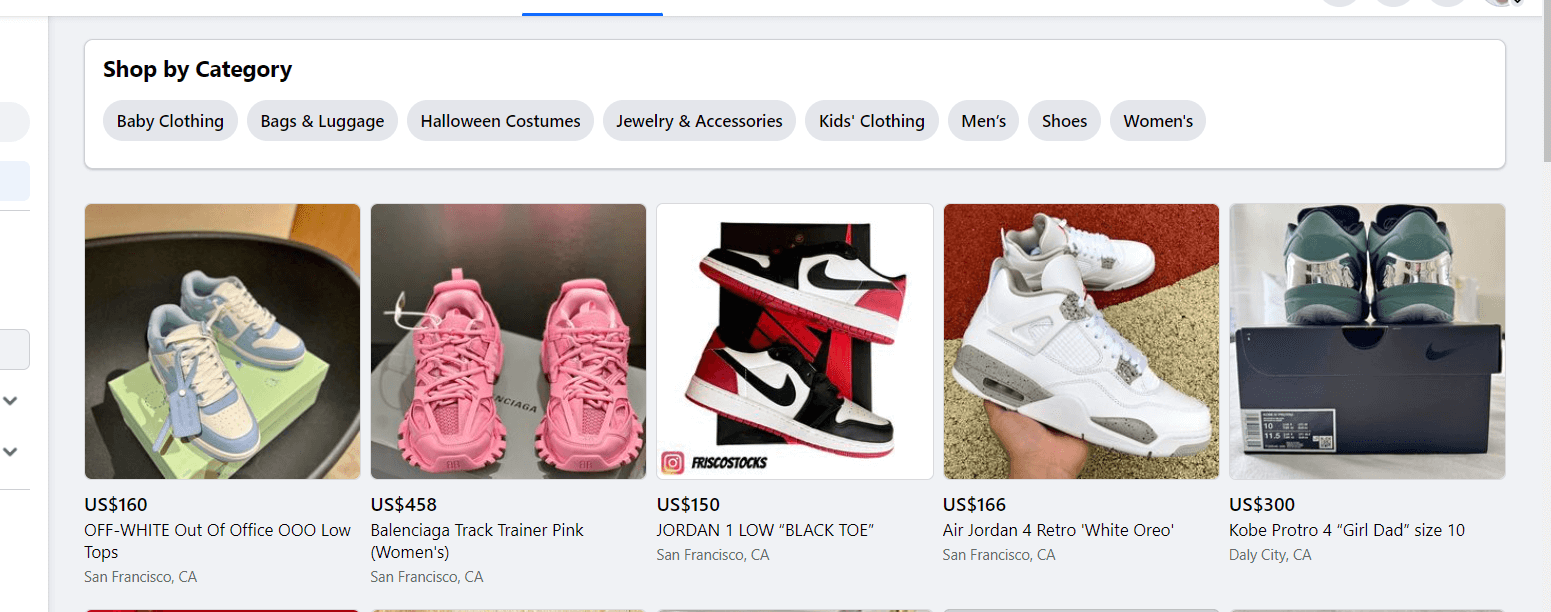
This carried-over image shows the rivals beside your listing. It doesn't prove current demand or seller fees. Start with our list of products that sell.
Then check each one's route, policy, and margin. I would choose the path whose terms, order costs, and handoffs I can document before taking payment. If Marketplace leaves one of those decisions unresolved, I'd move the listing.
FAQ
Is the fee calculated on price, shipping, or tax?
Use the calculation basis shown in your active seller flow. Save every checkout component named there because an item-price-only assumption may produce the wrong fee.
What if Marketplace shows a different fee?
Use the amount shown for the active order path and save a private transaction record. If the deduction conflicts with the terms, pause the listing and take the record to Meta support.
Can a supplier ship directly to the buyer?
A supplier can ship only when the current policy and listing flow allow that order model. The supplier must also meet the delivery, tracking, packaging, return, and customer-promise terms you confirmed.
Do advertising costs change Marketplace's fee?
Ad cost changes your remaining contribution, not the fee Meta shows for the sale. Keep it in the acquisition-cost row, so you can see whether the promoted order still pays.


