

11 Best Dropshipping Suppliers for Shopify Stores
Compare 11 Shopify supplier routes by operating model, then validate the exact variant, warehouse, destination, delivered cost, and order handoff.
The best dropshipping suppliers for Shopify fit your product and destination. They must also support your margin and customer promise. The options are Spocket, AppScenic, Syncee, Doba, and SaleHoo. CJDropshipping, HyperSKU, Fulfillbot, EPROLO, Printful, and Printify serve other versions of that job.
Some are marketplaces, and Others manage sourcing or print on demand. The model matters more than catalog size. It decides who quotes, packs, ships, and handles a bad order.
I ran a niche-products Shopify store and learned one rule. Treat every supplier listing as a lead until you check the order setup.
Public pages can't replace hands-on tests. Every service still needs a sample and live-order check.
Key takeaways
Which Shopify suppliers are worth testing?
Eleven Shopify supplier routes are worth comparing for different sourcing jobs. They're Spocket, AppScenic, Syncee, Doba, SaleHoo, CJDropshipping, HyperSKU, Fulfillbot, EPROLO, Printful, and Printify. Start with the route that matches the control you need.
Choose among three route models,
- Supplier marketplace: Browse catalogs and vet each seller.
- Sourcing and fulfillment service: Ask one team to quote, pack, and dispatch.
- Print-on-demand network: Make a printable product after the customer orders.
Each model assigns responsibility differently, and a directory helps you find a seller. That seller still controls the parcel. A sourcing agent can manage more of the order. It may quote each product and destination separately. A print-on-demand network uses its own printable catalog and providers.
This guide ranks each option by fit and public evidence. It also shows the main drawback and next test. Use platform claims as background. Use the exact listing to support a customer promise.
The customer's offer includes the item, delivery, packaging, returns, replacements, and support. A low price can't offset slow replies. It also can't fix unclear return ownership.
Match 11 supplier routes to the Shopify job
Compare all 11 options by the sourcing job each performs. Then verify the exact listing before connecting it to Shopify. Use this preview to choose the profiles that match your store,
- Spocket: Screen marketplace products by supplier and destination.
- AppScenic: Search catalogs from domestic supplier regions.
- Syncee: Work with independent brands through a supplier marketplace.
- Doba: Compare products across a broad supplier marketplace.
- SaleHoo: Import selected AliExpress products into Shopify.
- CJDropshipping: Combine product sourcing with fulfillment services.
- HyperSKU: Request sourcing, branding, and fulfillment support.
- Fulfillbot: Use an agent-led sourcing and fulfillment workflow.
- EPROLO: Start a sourcing workflow without a subscription charge.
- Printful: Use a managed print-on-demand network.
- Printify: Choose among print providers for each product.
Start with the first profile that matches your route model.
1. Spocket for mixed US and EU products
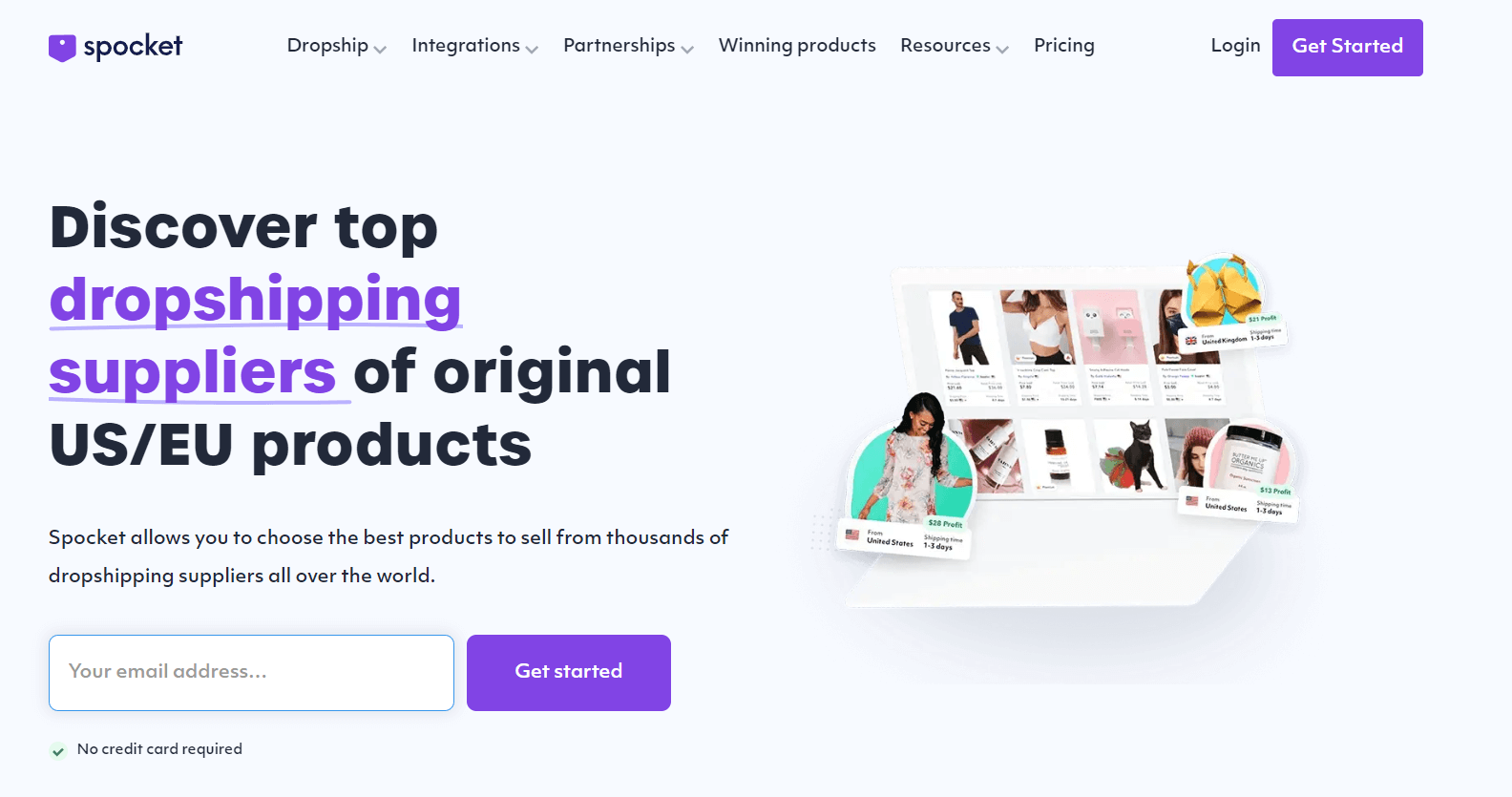
Spocket fits stores that filter products by supplier location and buyer destination. Its Shopify link connects the store to independent suppliers. Those suppliers remain responsible for their orders.
Compare it on the shared decision fields,
- Why included: Spocket connects Shopify to a supplier marketplace with listing-level shipping data.
- Best fit: Use it when supplier location is an early filter and you can compare several listings.
- Poor fit: Choose another model when one company must own every fulfillment result.
- Shopify and commitment: The official integration page says Spocket connects to Shopify and has no platform minimum order quantity.
- Returns: Each supplier selects its own return policy, so one Spocket account can cover several rules.
- Main drawback: Stock, processing, transit, and returns still depend on the listing and supplier.
- Next test: Open the listing, add processing and transit for one destination, read its return terms, and order that variant.
2. AppScenic for domestic supplier catalogs
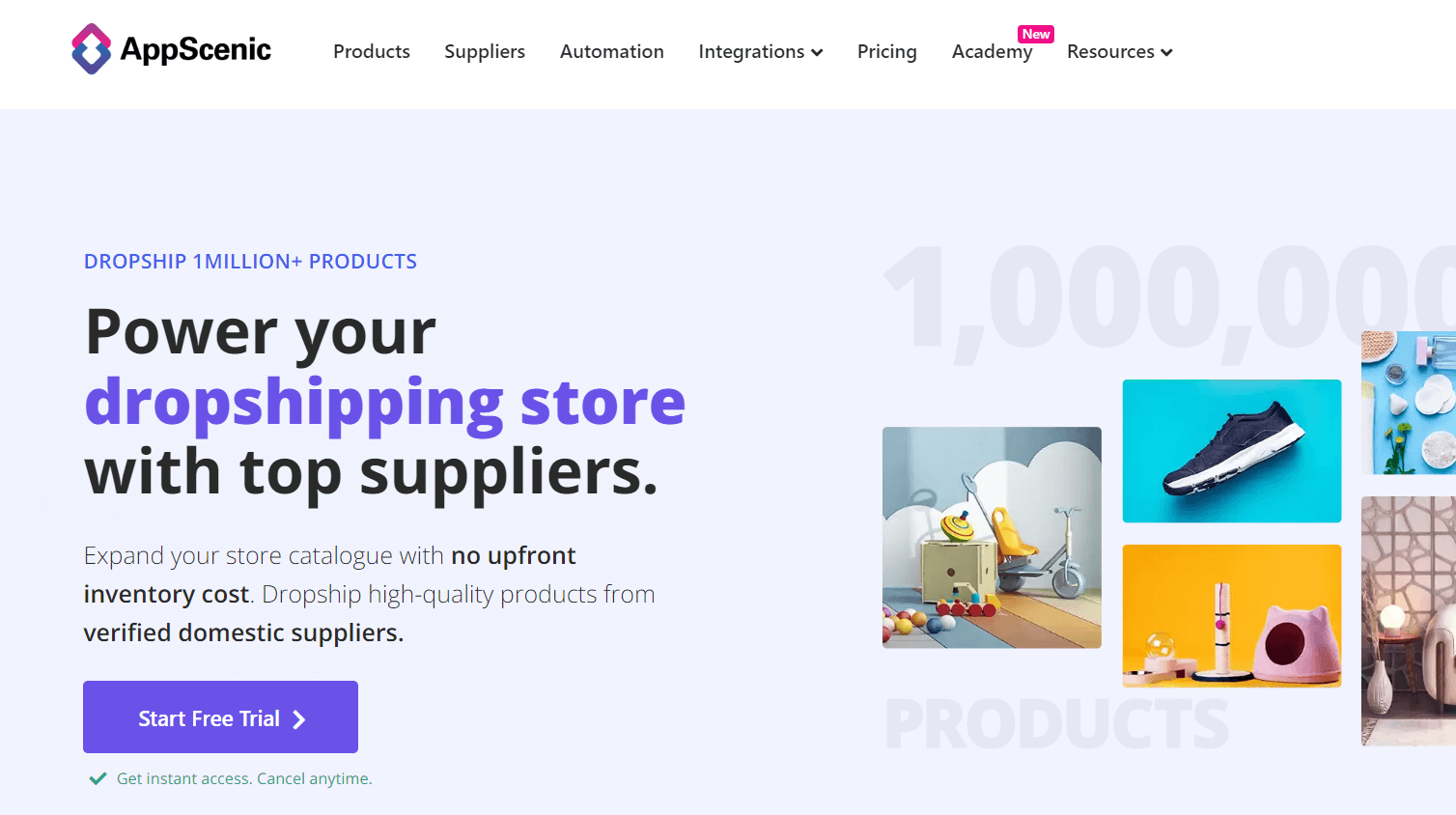
AppScenic fits sellers who want suppliers from several domestic-market regions. One Shopify connection supports the search. Its public catalog highlights the United States, Canada, the United Kingdom, Australia, and Europe.
Use the same decision fields,
- Why included: AppScenic combines domestic-supplier discovery with Shopify order automation.
- Best fit: Use it when domestic supplier discovery matters more than finding the cheapest catalog item.
- Poor fit: Choose another option when you need free live ordering or one fulfillment policy.
- Cost and Shopify support: Its pricing page lists automatic ordering on the $39 monthly Standard plan and no order support on Free.
- Destination evidence: Verify the SKU's stock location, processing time, carrier service, and destination before calling it domestic.
- Main drawback: Supplier location and warehouse location may differ, while returns remain product-specific.
- Next test: Shortlist one product, confirm its dispatch point, price the order, and get return and replacement steps in writing.
3. Syncee for independent brands
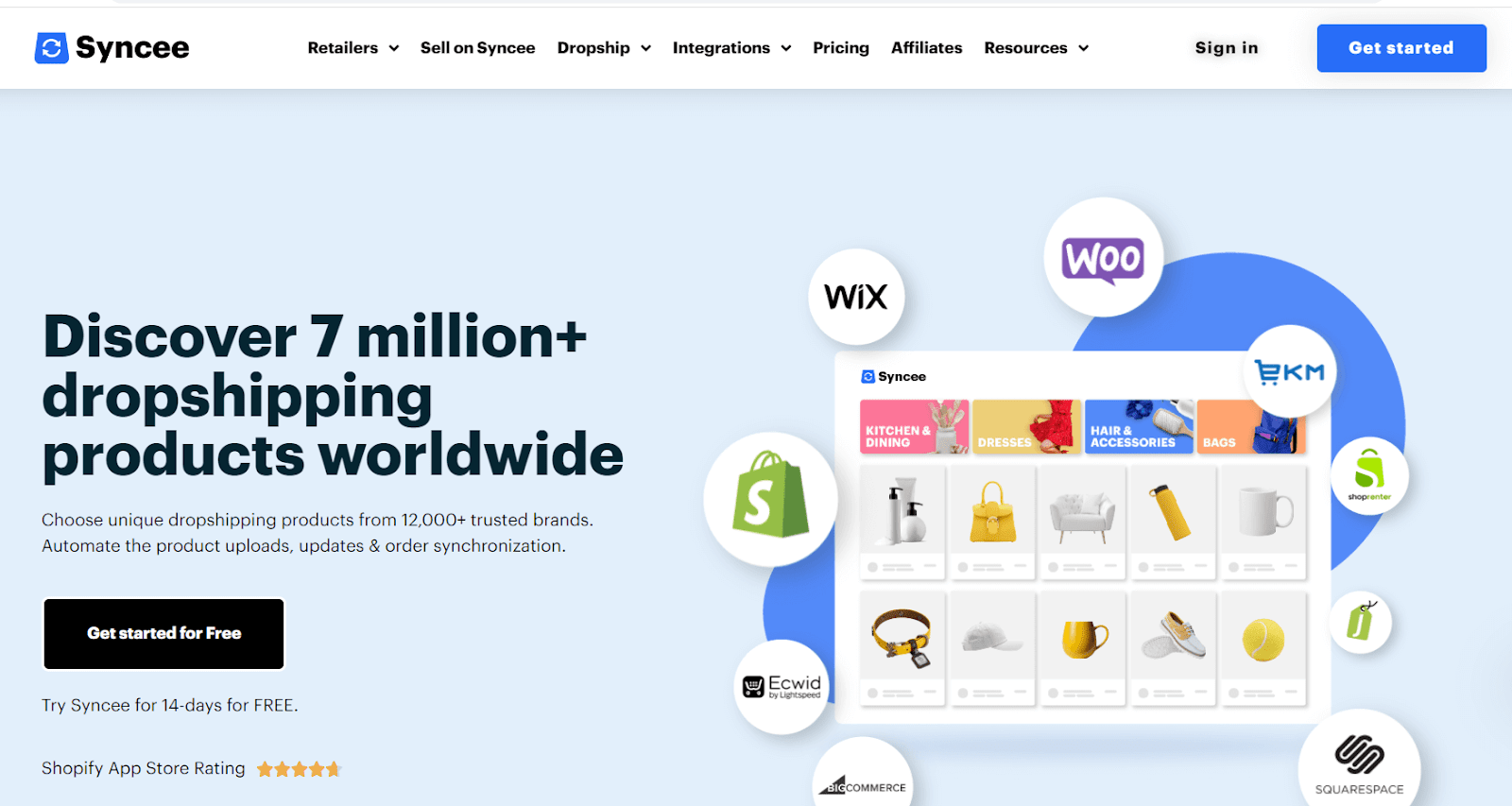
Syncee fits a Shopify store that wants independent brands. The chosen supplier fulfills the order. The marketplace handles discovery and data links. The supplier remains responsible for shipping.
Its decision record is,
- Why included: Syncee connects Shopify stores to independent brands through a supplier marketplace.
- Best fit: Use it when brand fit matters and you can review suppliers one by one.
- Poor fit: Pick a sourcing service when one operator must source any requested item.
- Current evidence: Syncee's dropshipping page says the chosen supplier handles shipping and describes product, order, and tracking sync.
- Commitment and returns: Supplier approval, shipping scope, price, and return terms vary by brand.
- Main drawback: Each supplier keeps its own catalog, service area, and return policy.
- Next test: Open the supplier profile and record approval, destination, dispatch, returns, and sample access.
I rank clear ownership above catalog size.
4. Doba for a broad supplier marketplace
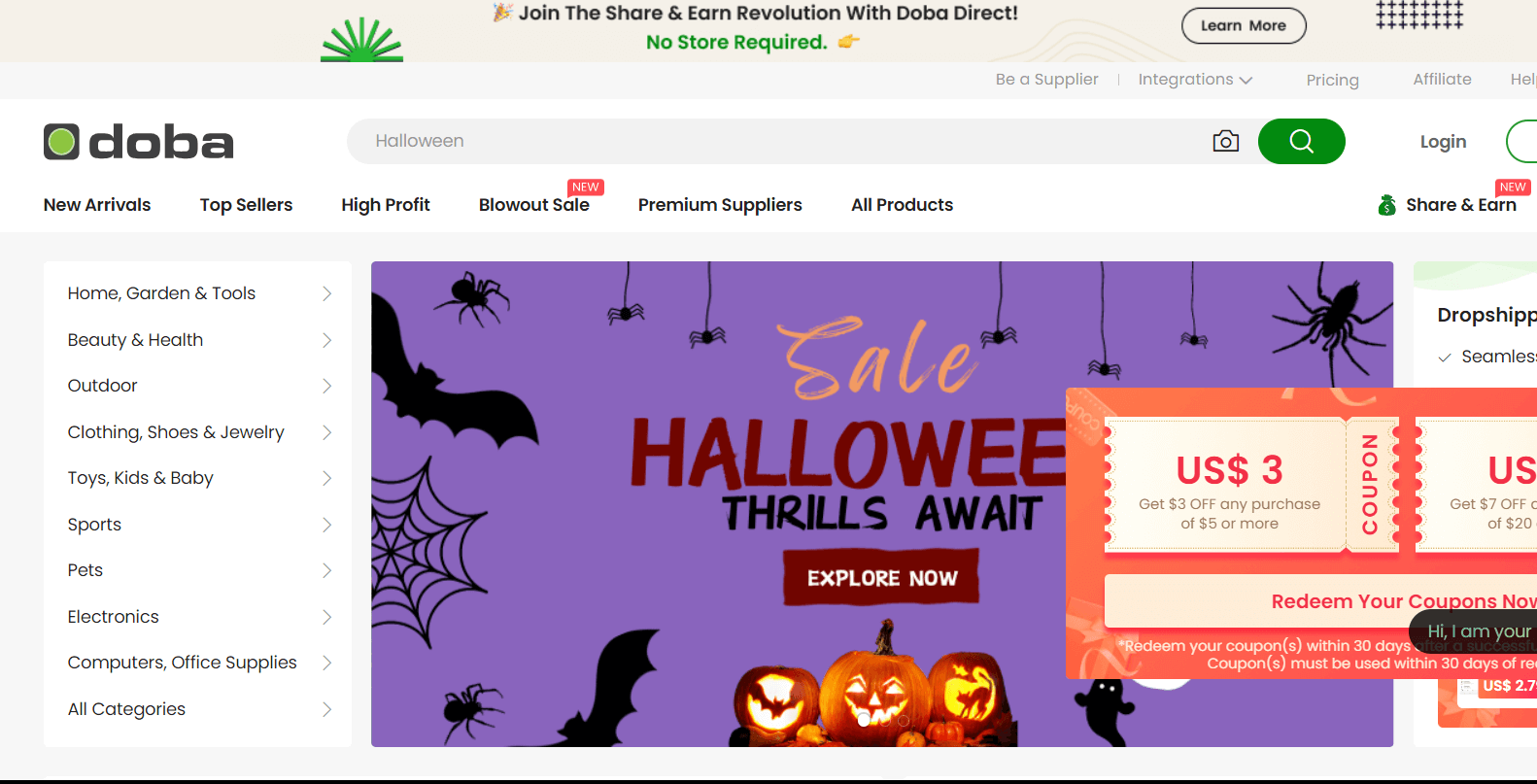
Doba fits sellers who want a broad marketplace linked to Shopify. You can screen each supplier on its own. Doba supports catalog discovery, product imports, and order sync.
Review it through the shared fields,
- Why included: Doba offers broad catalog research, product import, and order sync in one marketplace.
- Best fit: Use it when you want many supplier records in a common dashboard.
- Poor fit: Pick a managed agent when you need someone to inspect and source a product for you.
- Shopify support: Doba's connection guide documents its Shopify setup.
- Cost and evidence: Public help pages don't establish one account-wide cost, while supplier records remain the source for product, delivery, and policy fields.
- Main drawback: Quality, shipping, and returns can change by supplier, product, and destination.
- Next test: Review both the supplier record and product evidence, then confirm cost, dispatch, returns, packaging, and missing-parcel support.
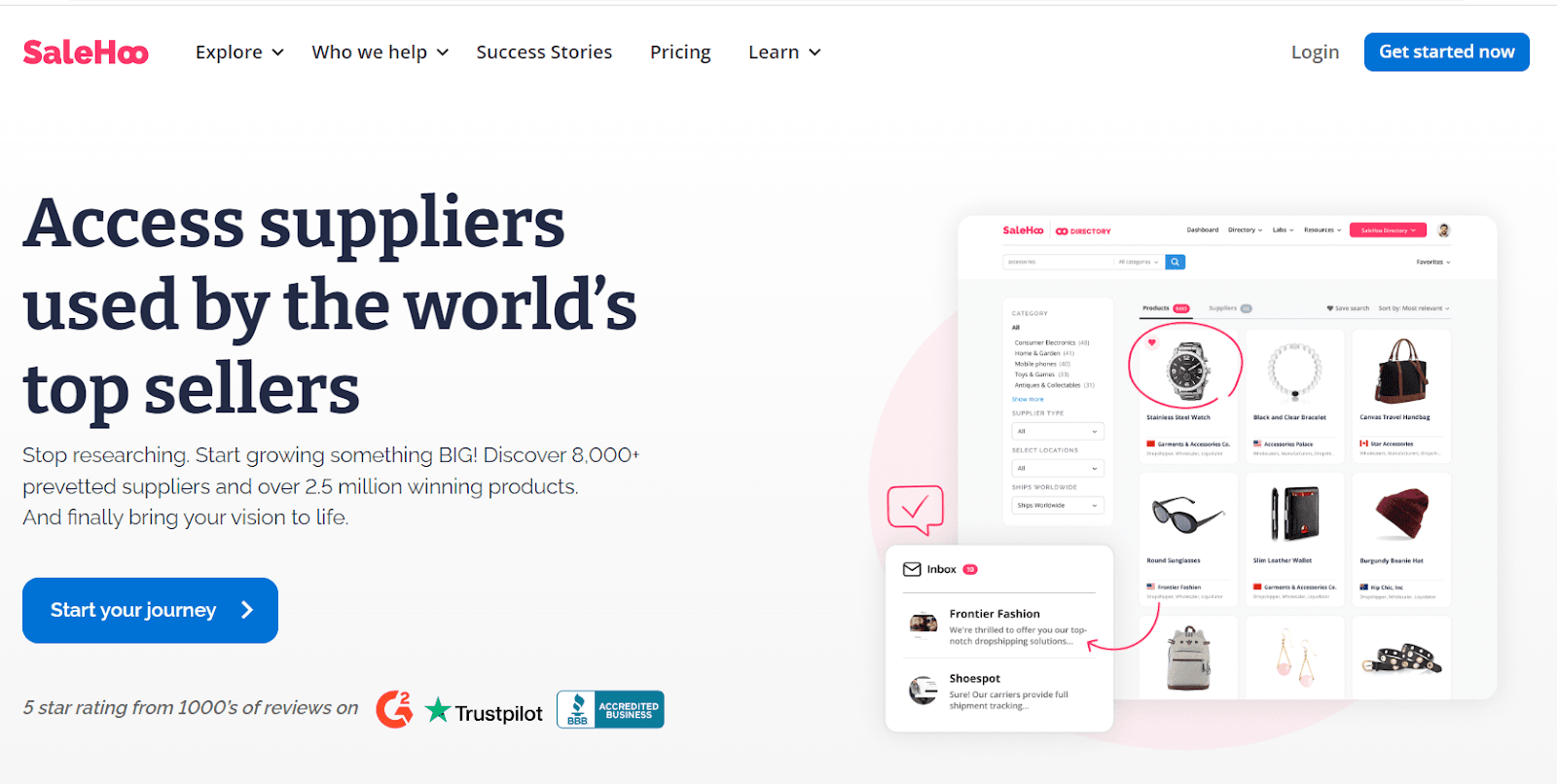
5. SaleHoo for Shopify AliExpress imports
SaleHoo Dropship fits Shopify sellers who want curated AliExpress imports. The product is built for Shopify. It adds a partly automated order flow.
Compare SaleHoo on the shared fields,
- Why included: SaleHoo narrows AliExpress product search and connects the import flow to Shopify.
- Best fit: Use it when AliExpress is your intended source and Shopify is your storefront.
- Poor fit: Choose another route for domestic suppliers, custom sourcing, or a different store platform.
- Shopify support: SaleHoo says order details sync into its workflow before the merchant pays and notifies the supplier.
- Fulfillment boundary: SaleHoo supports the import, while the selected AliExpress seller dispatches the order and sets product-level terms.
- Main drawback: Delivery, returns, and product quality still depend on that seller and listing.
- Next test: Confirm the variant, seller record, shipping method, delivery estimate, return owner, and packaging.
For negotiated manufacturing, follow our Alibaba dropshipping workflow.
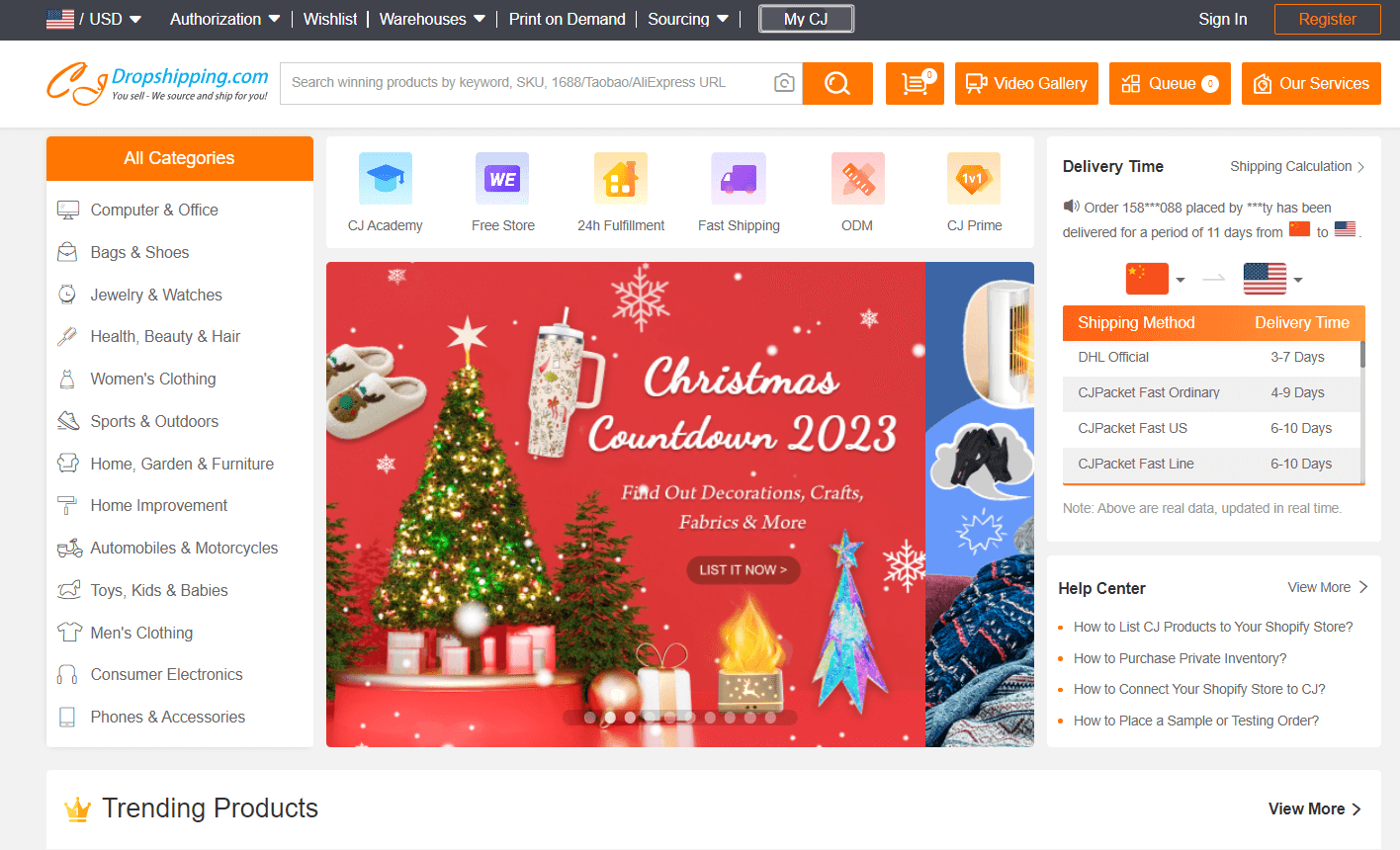
6. CJDropshipping for sourcing and fulfillment
CJDropshipping fits Shopify sellers who want one sourcing and fulfillment route. It also syncs the store. The service supports catalog products, sourcing requests, and warehouse options.
Use the same comparison fields,
- Why included: CJ combines catalog products, sourcing requests, store sync, warehouses, and fulfillment.
- Best fit: Use it when one service should handle sourcing through dispatch.
- Poor fit: Pick a domestic-brand marketplace when brand discovery is the main task.
- Shopify support: The integration page describes automatic product and order sync.
- Cost and destination: CJ quotes the item and shipping route, while warehouse availability depends on stock for that SKU.
- Main drawback: Returns and disputes have item-level conditions, and only a product test can show whether the item meets your standard.
- Next test: Send the specification, destination, volume, packing request, and replacement case, then order the proposed variant after the quote passes.
Use our dropshipping supplier options to compare CJ with other service models.
7. HyperSKU for branding and sourcing
HyperSKU fits stores that want sourcing, branding, and fulfillment tied to Shopify. Branding is optional. The service can quote products beyond its public listings.
Its decision record is,
- Why included: HyperSKU accepts sourcing requests and can add branding, warehousing, and fulfillment.
- Best fit: Use it when one operator should manage sourcing through dispatch and may add branded packing.
- Poor fit: Pick a marketplace when you want to browse many independent domestic brands.
- Shopify and cost: HyperSKU's integration page says Shopify sync is free and covers inventory, prices, orders, and tracking.
- Product scope: The service quotes requested products beyond its public listings, then offers samples and quality checks.
- Main drawback: Delivered cost, processing, and item quality remain open until you submit a request and test the sample.
- Next test: Send a full request, then get written terms for packing, dispatch, tracking, returns, and replacements.

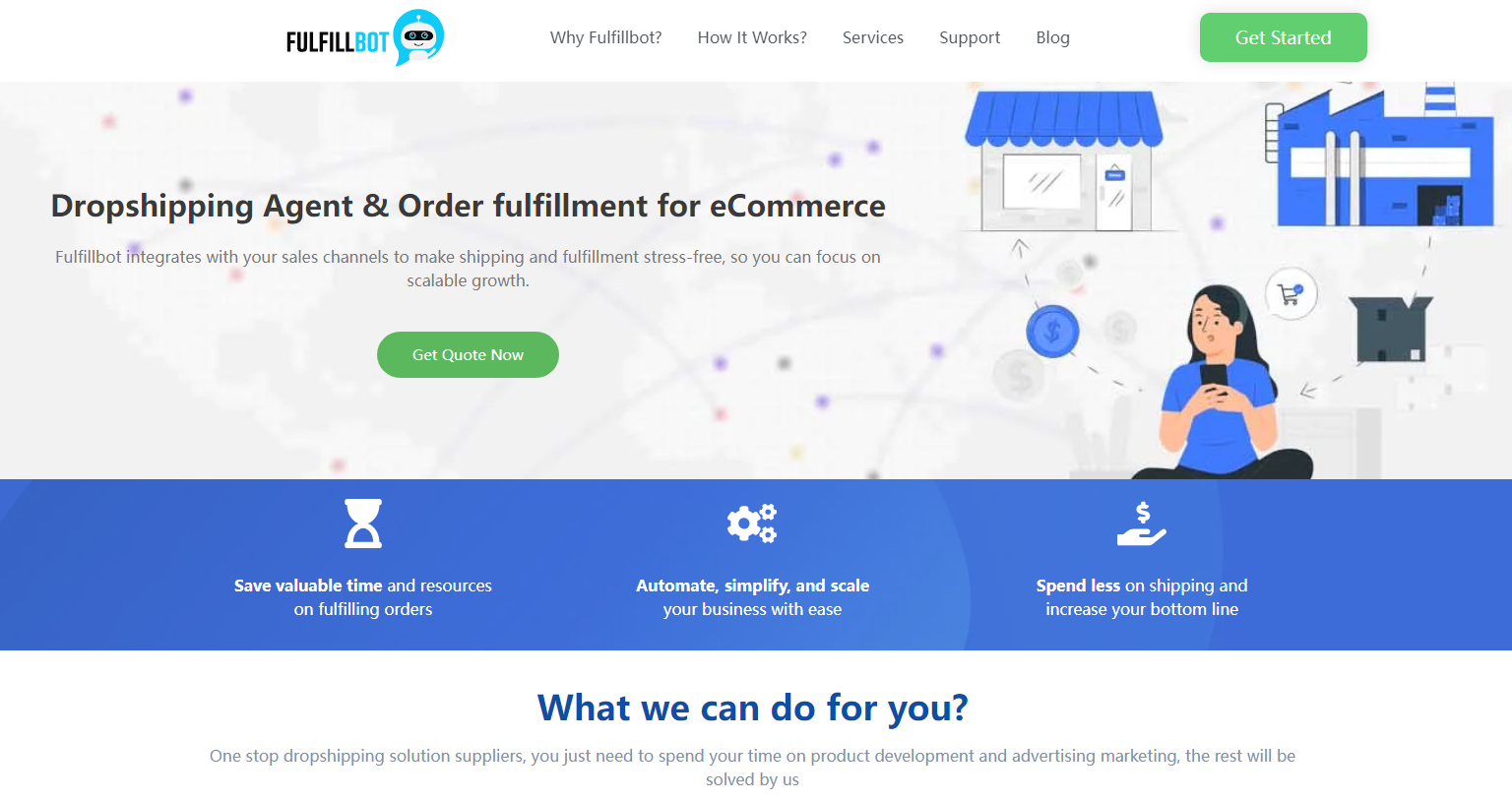
8. Fulfillbot for a sourcing agent
Fulfillbot fits sellers who want an agent to source a product. The agent can manage fulfillment after each Shopify order. The workflow covers store links, warehousing, checks, packing, and dispatch.
MOQ is the smallest quantity a supplier will accept for one purchase. Compare the agent on these fields,
- Why included: Fulfillbot combines agent-led sourcing, Shopify order import, warehousing, checks, packing, and dispatch.
- Best fit: Use it when you prefer a sourcing conversation over marketplace screening.
- Poor fit: Pick a marketplace when you need instant public listing comparisons.
- Shopify and commitment: Fulfillbot's FAQ says it can import Shopify orders and that minimum order quantity (MOQ) varies by product.
- Returns: After an order has been stored for more than 5 days, Fulfillbot can request a return, but its policy says approval rests with the seller.
- Main drawback: MOQ, price, transit, and after-sales results depend on the sourced item and seller.
- Next test: Send the product, destination, volume, packing, and defect case, then compare the proposed supplier, sample, cost, reply speed, and return path.
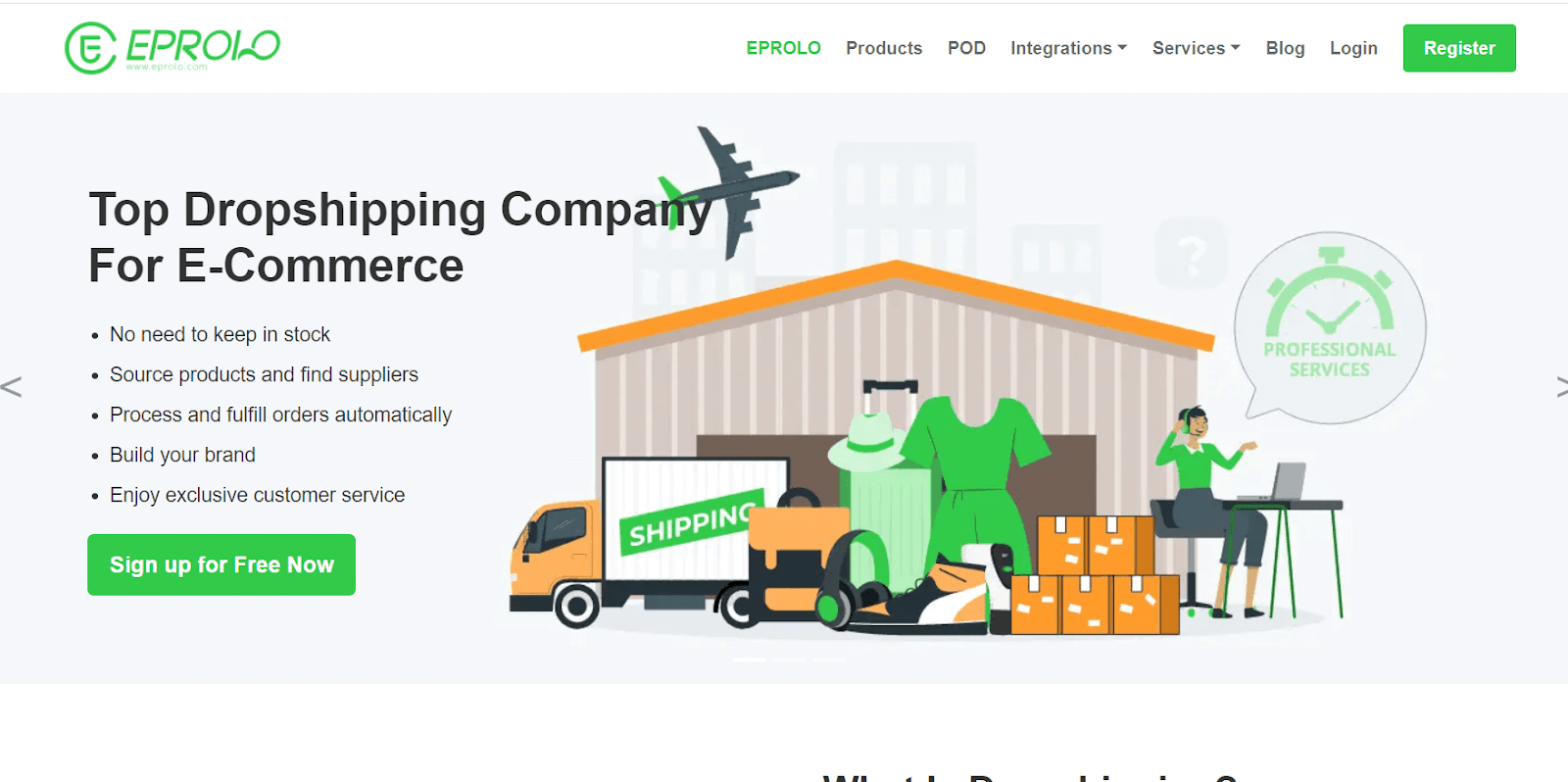
9. EPROLO for no-subscription sourcing
EPROLO fits Shopify stores that want sourcing without a subscription. It also syncs orders. The service can source, check, pack, and ship products.
Use the shared fields,
- Why included: EPROLO combines a catalog, sourcing requests, order sync, packing, and shipping.
- Best fit: Use it when you want to request sourcing without a monthly software fee.
- Poor fit: Pick a marketplace when independent domestic-brand discovery is the goal.
- Shopify support: The official Shopify page describes automatic product and order sync plus sourcing and shipping.
- Cost and destination: You pay for the item, shipping, optional branding, and fulfillment for the selected order setup.
- Main drawback: Quality, delivery, and returns still depend on the item and shipping setup.
- Next test: Request one item and destination, inspect the quote, order that version, and get processing, tracking, packing, defect, and return answers.
10. Printful for managed print on demand
Printful fits Shopify sellers who want a managed print-on-demand network with a direct store integration. You add designs to supported products, and Printful produces an item after the customer orders.
Compare the managed network on these fields,
- Why included: Printful links Shopify to a managed print-on-demand production and fulfillment network.
- Best fit: Use it when one network should manage production and provider choice matters less.
- Poor fit: Choose another service for standard catalog goods or manufacturing outside Printful's products.
- Commitment: Printful's Shopify integration page says sellers can start without an upfront fee or order minimum.
- Delivery evidence: Its shipping page says production takes 2–5 business days before transit, while shipping varies by product and destination.
- Main drawback: The supported catalog, production site, carrier, and destination limit the final offer.
- Next test: Order the exact product, design, size, and color, then check the print, packing slip, tracking, full cost, and return wording.
11. Printify for print-provider choice
Printify fits Shopify sellers who want provider choice for each printed product. Its integration publishes products to Shopify and routes orders to the selected provider.
Use the provider-level decision fields,
- Why included: Printify links Shopify to several print providers and lets the seller choose among them.
- Best fit: Use it when provider, location, and product choice matter.
- Poor fit: Pick a managed network when you want one production operator across the catalog.
- Commitment: Printify's Shopify page says the integration has no upfront investment or minimum orders.
- Delivery and returns: The chosen provider, product, print method, production time, and buyer region control the result.
- Main drawback: Each provider-and-product combination needs its own test.
- Next test: Compare providers for one item and region, order that combination, and record print, packing, production, tracking, cost, replacements, and test date.
Test the Shopify import-to-tracking loop
The Shopify Supplier Proof moves a candidate through four checks. These cover requirements, public evidence, a sample with written terms, and a live-order re-check. Run the four stages in order,
- Requirement: Write the customer promise and operating constraints.
- Official-page check: Record current product-level evidence and gaps.
- Sample and written terms: Test the item and confirm responsibility.
- Live-order re-check: Compare the first real orders with the record.
Move a candidate through each stage before sending live orders.
1. Write the Shopify SKU and customer promise
Define the product and customer promise before you search supplier catalogs. Record the exact item, variant, target destinations, acceptable delivered cost, processing limit, delivery range, packaging, tracking, returns, replacement process, and expected volume.
That requirement gives you a reason to reject a tempting listing. Catalog browsing otherwise turns into a comparison of photos and item prices. Use the same record when you find dropshipping suppliers so every candidate answers the same question.
2. Confirm the listing, warehouse, and sync fields
Create a dated supplier evidence card for the exact product and route. Record the supplier business name, platform role, item URL, stock or warehouse location, MOQ if any, processing, transit, shipping charge, returns, replacement owner, and unresolved questions.
Use the service's current official page and the specific supplier or listing record. The dated supplier evidence card replaces reliance on a badge or screenshot. Run our supplier selection checklist before you contact the candidate.
3. Order the sample through the intended app
Test the proposed variant and get customer-facing responsibilities in writing. Send the sample to the region you plan to serve. Check the product, packaging, tracking events, processing, delivery, and any supplier branding.
Ask who refunds, replaces, and pays for each failure. Get packaging and blind-shipping confirmation. Save the answers with the quote and test date. A sample validates only that product, variant, supplier, destination, and test date.
4. Watch stock, routing, and tracking on a live order
Compare early customer orders with the evidence card before expanding the listing. Watch stock changes, dispatch time, tracking gaps, support speed, defects, replacements, and delivered cost.
Pause the product when the route no longer supports the published promise. Re-run the public-page and written-terms checks after a supplier, warehouse, or provider changes. Do the same after a shipping method or product version changes.
Choose a marketplace, agent, or POD model before the app
Choose the operating model before comparing supplier names because each model gives your store a different amount of control. Use the same evidence fields after you select a route:
Product-research and import tools can help you find or move a listing, but they don't replace supplier validation because the selected supplier still owns fulfillment. Keep the shortlist focused on providers with enough public evidence to compare the same product, shipping, support, and remedy fields.
Price the app, item, fulfillment, and return together
Calculate landed cost for one product, shipping method, and destination before comparing item prices. Landed cost covers buying and packing one item, and it also covers delivery to the named destination.
The contribution calculation below adds selling price and store costs. Your profit reserve is the amount left after customer acquisition. These figures show the math. They aren't a supplier quote:
Use product and shipping costs from one available supplier setup. This keeps the calculation tied to an order you can place.
Use the CPA calculator linked above to test paid traffic. Keep the result below the acquisition limit.
Price one exact delivered order before you approve a supplier or publish the product.
Reject a route that can't sync the exact Shopify variant
Reject a supplier candidate when its written terms and sample fail to support the exact product, order setup, and customer promise. Require listing evidence, written terms, and a matching sample. Stop the comparison when proof is missing. Reject any of these unresolved conditions,
- Supplier identity, fulfillment ownership, or after-sales ownership remains unclear.
- The product record lacks processing, shipping, or destination coverage.
- Written answers omit returns, defects, or missing parcels.
- The sample differs from the proposed variant or packaging.
- Delivered cost leaves too little margin to operate the order.
A verified product beats a hundred uncertain listings. Keep the supplier evidence card with its test date and written answers. Add the sample and first live-order results. Recheck it whenever the product or order setup changes.
FAQ
Can I use more than one supplier app on Shopify?
Yes, but every app adds a separate stock, order, tracking, and return path to manage. Define which supplier owns each product and test the store workflow before accepting customer orders.
When should I retest a supplier connected to Shopify?
Re-check after any product, provider, warehouse, shipping-method, policy, or price change. Treat the sample as stale after any of those changes.
What if the Shopify buyer order differs from the sample?
Pause the listing and ask the supplier to explain the difference before sending more orders. Update the product promise only after the current route is verified, or replace the supplier if it can't reproduce the approved result.


