

Dropshipping Drones and Suppliers
Compare four drone types and four supplier routes while screening batteries, documentation, shipping, warranties, parts, and support.
In 2026, dropshipping drones means selling an aircraft that a third party ships to your buyer. The model can work, but it demands more support than a simple accessory. Batteries, breakage, product claims, and warranties all affect the order.
This guide compares 4 drone types and 4 supplier routes. It also shows where each can fail.
Running my own Shopify stores taught me to compare the product page with what the supplier ships. A good category still needs a sound supplier and a clear offer.
For drones, that offer must match one exact model and its support needs. List it only when the supplier route and customer promise match the tested unit.
Key takeaways
Are drones good for dropshipping?
Drones can be dropshipped, but their support needs make them a demanding beginner niche. Start with a light toy model whose battery, controller, manual, spare parts, warranty owner, and return route you can verify. Leave higher-spec aircraft off the store until your team can support the exact model.
Breakage, batteries, and product files add work because you own the listing and customer promise while a third party ships the aircraft.
Your buyer may ask about the controller, charger, app, or camera. Your store has to give the answer.
Light toy models have fewer details to prove. A costly camera drone adds more ways for the received unit to differ. It can also create a bigger refund or warranty dispute.
Define the buyer's job before opening a supplier catalog. A gift buyer needs a clear setup and durable guards. A casual creator needs a tested camera file and stable app. The model is worth considering only when your team can support the job shown on the page.
The shipping route, likely spare parts, and warranty work decide how much of that price remains after a failed order.
I would start with the simplest model that has clear records. Those records must cover the battery, manual, parts, return route, and warranty owner. Leave the model off your store when one stays unclear.
Keep one dated model record so the product page and support replies stay aligned after the supplier changes its photos or package.
Summary: Move to higher-spec drones only after the toy model's support process works.
4 drones to dropship
Four drone types cover different buyer needs as the product gets harder to support. Use this list to compare them in order,
- Beginner aerial toy drone: A simple first-flight model.
- Wristwatch mini drone: A portable novelty controlled from the wrist.
- LED stunt drone: A visual toy built around tricks and lights.
- Entry-level camera drone: A higher-spec option for casual creators.
Search each type by keyword, then compare price, ratings, date added, destination, and variants before opening the exact model.
1. Beginner aerial toy drone
A beginner aerial toy drone is the strongest first candidate because its buyer expects simple flight.
It fits gifts and first flights. The page can explain basic controls.
Use these filters as one input when you find winning products.
EPROLO's JSX-01 model page names a controller, model number, battery choices, and weight class. Those fields show what your record needs. Each model still needs parts and route checks.
The best buyer values easy setup over camera quality. Lead with the flight area, controls, and box contents. Show the guard design and charging steps instead of broad performance claims.
Ask for a photo of the model code on the drone and box. Match it to the manual and battery label. Then confirm the controller, charger, guards, and propellers in the package. Use a manual bearing that same code as proof.
Toy drones still hit walls and furniture. Run several takeoffs, landings, and light impacts during the sample test. Stock matching guards, propellers, and chargers so a small failure can be repaired.
This candidate becomes a poor fit when the supplier mixes SKUs or changes the package. It also fails when the setup needs support the seller can't give. Choose the plainest version with stable parts and clear records.
2. Wristwatch mini drone
A wristwatch mini drone suits novelty gifts, but it is the weakest candidate here.
Its appeal comes from the foldaway aircraft or wrist control. That format gives you a clear product demo.
A current Alibaba wrist-control listing shows how loose this label can be. It combines a wrist controller with a foam aircraft. The page also carries camera claims. Its warning says the details may differ from the sale page.
The best buyer wants a surprising gift or a short social video. The control method is the main attraction, so it has to work without expert setup. Your page should show how the aircraft launches, steers, lands, and returns to storage. The sample must also prove whether the wrist unit controls flight, holds the drone, or performs both jobs.
Use the label as a search brief and obtain the model number, folded size, controls, battery label, manual, and sample. The strongest public record I found didn't provide them all. Ask whether the watch is the controller, a storage case, or both.
Test the wrist control with several people. Record pairing time, missed gestures, and the steps needed after a crash. Check whether a standard controller also comes in the box. That backup changes the support plan when gesture control frustrates a buyer.
Small hinges and unusual controls add failure points. Confirm whether the supplier stocks the wrist unit, aircraft shell, and charging cable on their own. Drop the candidate unless the supplier shows the exact package before payment.
3. LED stunt drone
An LED stunt drone fits buyers who want visible tricks and night play.
That focus is easy to show in a short video. It also gives you clear sample checks.
Force1's current UFO 4000 page shows the buyer benchmark for this type. It names lighted guards and flip controls. The package also has batteries, spare propellers, and a manual.
Use those fields to judge another sample. Your chosen source must supply its own model, route, and terms.
The best buyer cares about tricks, visibility, and group play. Your product page should show the lights in a dim room and the drone in normal light. It should also explain the space needed for a flip and the control that starts it.
Run the same trick several times during the sample test. Watch for drift, guard contact, loose propellers, and lights that stop after impact.
Time the full charge and flight yourself. Keep the raw notes because a supplier's demo may use a different battery or pilot.
Match every spare part by model code. A generic propeller can have the wrong pitch or shaft. Confirm whether guards, propellers, batteries, and chargers can ship with the original order. Price one replacement into the support plan.
This drone is a poor fit for outdoor photos or long flights. Its value comes from a narrow use case, so the listing must keep that boundary clear. Approve it only after repeatable flips and light impacts leave the sample usable.
4. Entry-level 4K camera drone
According to EPROLO, an entry-level 4K camera drone fits casual creators when the received video proves its camera claim.
It belongs last because more parts shape the result. They include the app, file, storage, controller, and battery.
EPROLO's current GT50 page gives one product code and several battery packages. Its variants use the label "4K (4800P)." The title calls the model HD.
Inspect the sample's video file before writing the camera claim. The conflicting labels make that file the stronger evidence.
The best buyer wants casual clips and accepts an entry-level result. That buyer still expects the saved file to match the listing. Use an unedited sample file to check its frame size, detail, motion, and app workflow.
Test the whole path from takeoff to file export. Install the named app, pair the aircraft, record a clip, and move it to another device. Save the publisher, supported phones, and tested installation path with the product record.
Camera wording needs special care. A product can output a large file while the sensor captures less detail. Describe only what the sample proves.
Keep its file properties and exact variant for future batches. Repeat the test after a camera or app change.
This model is a poor fit for sellers who can't answer technical questions. Buyers may ask about storage, stabilization, calibration, replacement batteries, or warranty steps. Reject it when the app source or box contents stay unclear.
4 drone supplier sources
Four supplier routes help you find a model, compare sources, or manage orders. Review them in this order,
- Dropified: Source and order automation.
- EPROLO: A public model page with variant details.
- AppScenic: Regional supplier discovery for electronics.
- Syncee: Supplier-level catalog comparison.
Every route still needs a sample, a written shipping quote, and model-specific records.
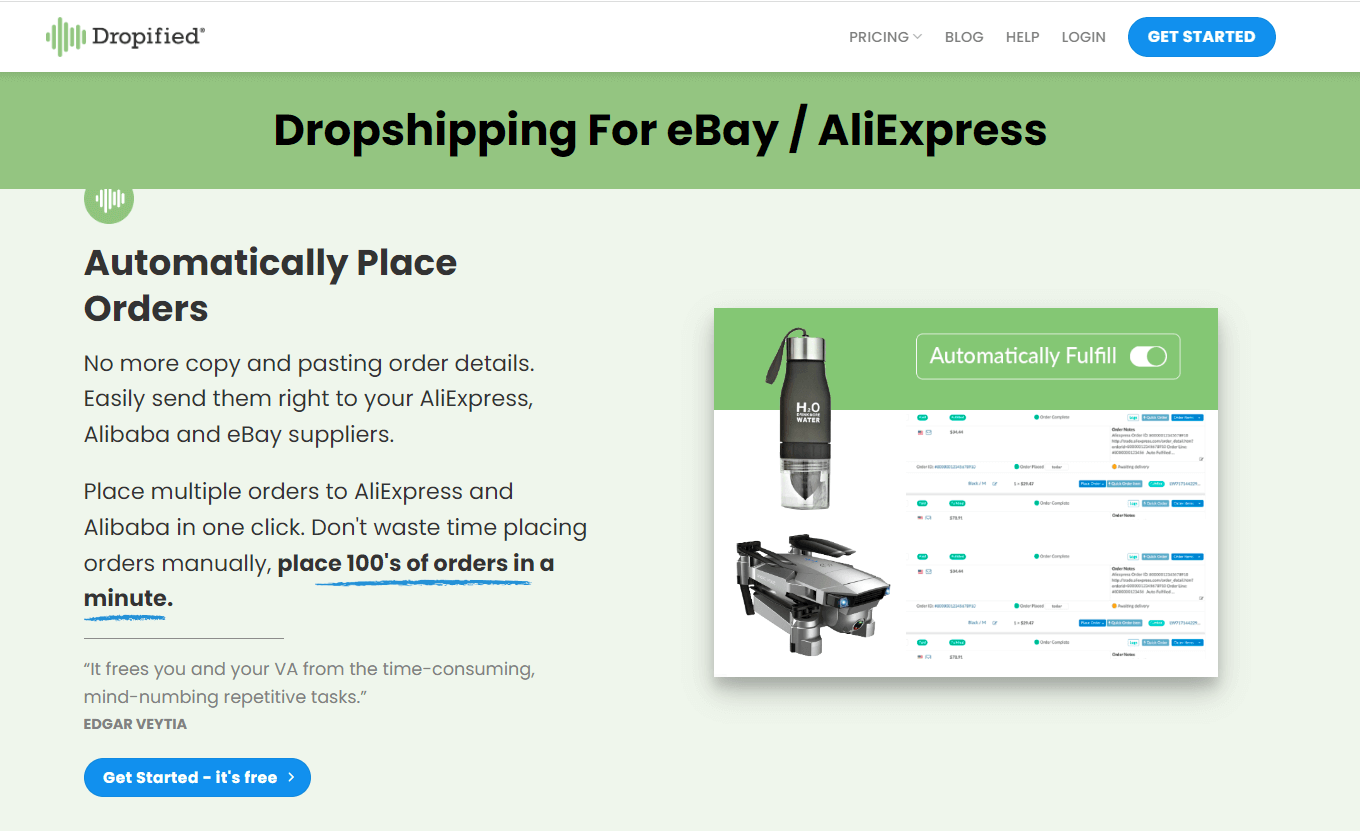
1. Dropified
Dropified fits sellers who want sourcing help and order automation.
Its current drone page describes a simple flow. You import a product and place the order with its supplier. The buyer then gets tracking.
The page also promotes domestic stock filters and US ground shipping for drones with batteries. Confirm those route claims for the exact supplier and warehouse. Include the carrier and destination.
The named source behind the listing is the useful evidence. A platform-level shipping statement can't establish the route for every source shown in its catalog.
Dropified best fits a seller who already knows which drone they want. Use it for import and order handling while the source supplies the model record, sample, and written terms.
Open the source listing before import. Save the supplier name, model code, warehouse, package, and handling promise. Ask whether the supplier can swap a variant when stock runs out. Require approval before any replacement ships.
Place a sample order through the buyer route. Compare its tracking and package with the imported listing. Then test how a return or damaged parcel moves between your store, Dropified, and the source.
Distance from the product maker is the main limit. A fast order flow still leaves warranty ownership open. Use Dropified only after the source supplies the product proof.
2. EPROLO
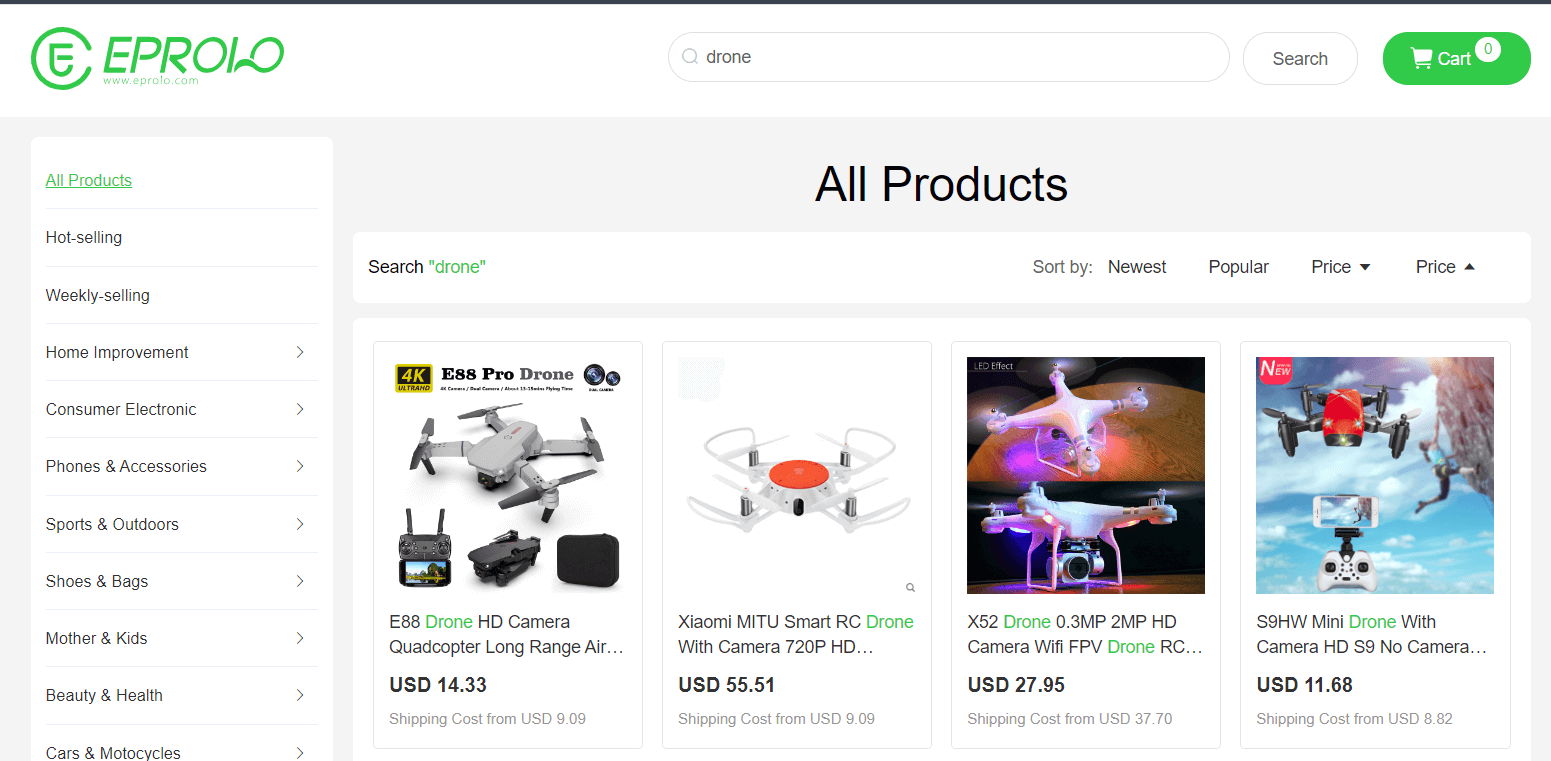
EPROLO fits this shortlist because its public drone page shows an exact model and its variants.
That view gives your request a real record. Ask for the named SKU and package.
The JSX-01 page checked on September 9, 2026 states a seven-day unconditional return. Shipping needs a separate destination check.
Get both terms in writing for the chosen SKU and buyer location.
EPROLO best fits a seller who wants to start from a visible model page. The page gives you a concrete item for questions and a sample request. Use its product code in every message so replies don't drift to another drone.
Choose one battery package before asking for shipping. Get the packed weight, warehouse, carrier, handling time, and destination quote. Ask for the return address and payment rules for a damaged or failed unit. Repeat the quote if EPROLO changes the warehouse or package because both can change the route and cost.
Compare the received box with the saved page and record each item and model label. Any change triggers a listing and support update.
Uneven page data and variable routes are the main limits. Several fields still need written answers. Use EPROLO when its visible SKU, route quote, and written terms all match the sample.
3. AppScenic
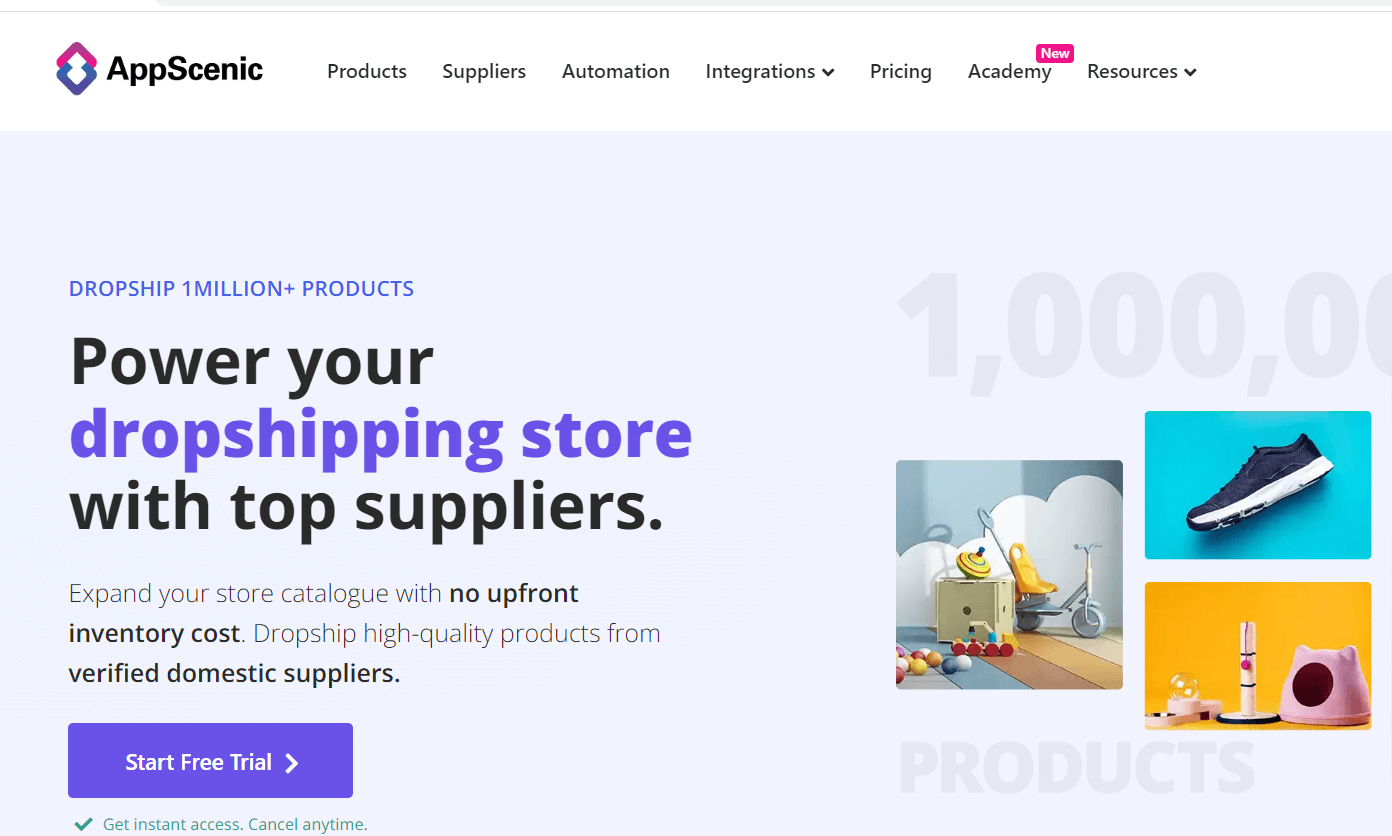
AppScenic fits sellers who want electronics suppliers closer to the buyer.
Its current electronics page lists drones in the catalog. It also promotes domestic suppliers across several markets.
A closer warehouse can shorten the route, but the category page leaves your final drone open. AppScenic best fits a seller who starts with a destination and wants to compare nearby sources. Its value comes from narrowing suppliers before you spend time testing models that use the wrong route.
Filter to the buyer's market before looking at product photos. Open the supplier record and save the SKU, warehouse, handling time, and carrier. Add the return terms and product files. Narrow the routes before comparing samples.
Contact the supplier with one model-specific request. Ask for a current package photo, battery label, manual, parts list, and sample route. Keep the reply with the date and destination because a warehouse badge alone doesn't prove that route.
Run a test order after the document check. Record supplier acceptance, the first carrier scan, and the return address. Compare those events with the saved handling promise.
Account-level detail is the main limit. Public copy leaves current stock, sample access, and warranty terms open. Use AppScenic as a region filter, then save the exact supplier proof inside the account.
4. Syncee
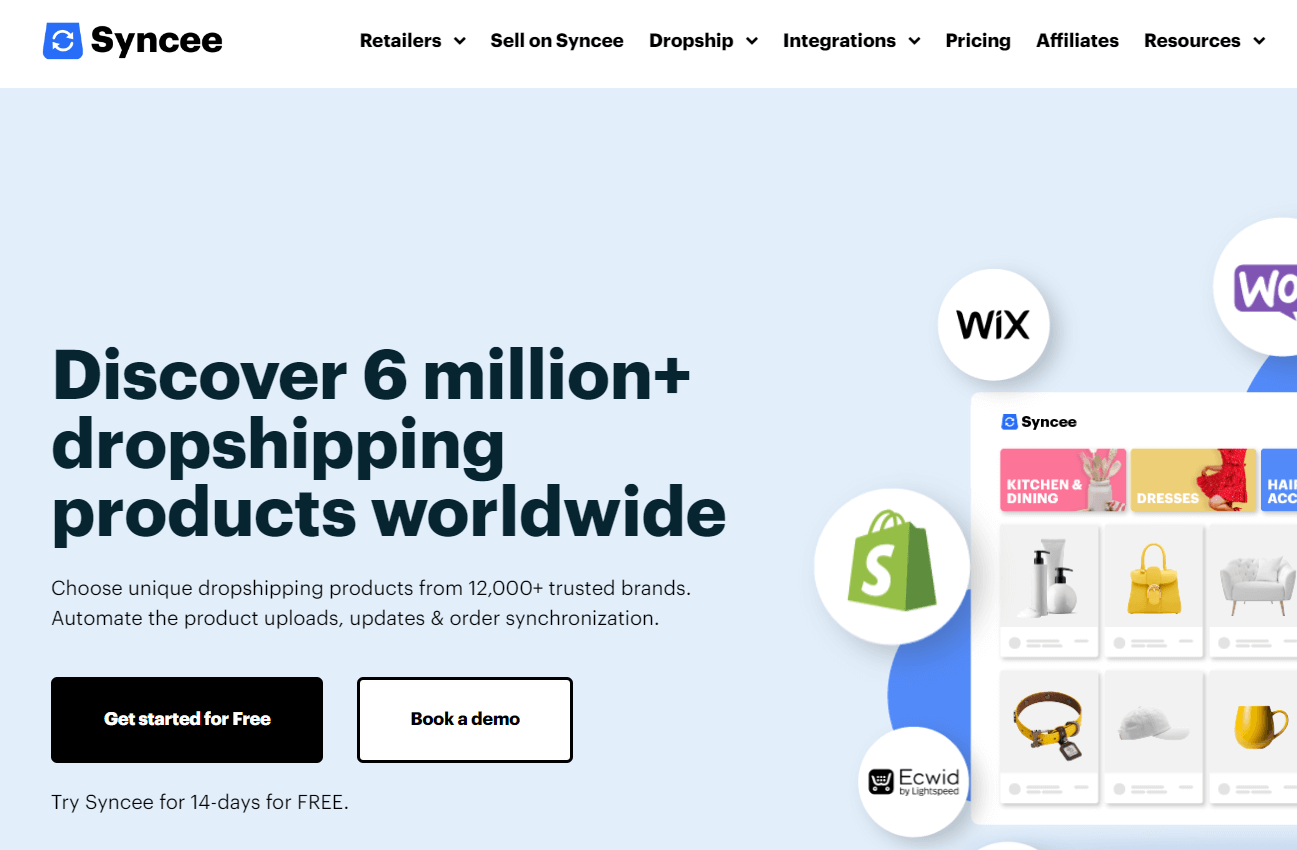
Syncee fits sellers who want to compare products and their suppliers in one marketplace.
Its current help center explains the search flow. You can filter by supplier location, destination, price, and shipping time. Then you can open the supplier's page.
That supplier view is why Syncee made the list. It helps you compare ownership, location, and catalog terms. Some suppliers require approval before you import a product.
Syncee best fits a seller comparing supplier routes before choosing a model. Start with the delivery country, then filter supplier location and shipping time. Open each supplier page before treating two similar photos as the same product.
Build one row per candidate. Record the supplier, model code, warehouse, destination, handling time, return address, warranty owner, and sample option. Compare those fields beside the product cost.
A cheaper listing can lose its edge when the return route is vague. Remove any row whose supplier won't identify the exact model behind the photo.
Confirm the model, stock, shipping zone, and sample route inside the marketplace. My public search didn't expose the current drone SKU list.
Save the supplier's return terms and product-use records too.
Syncee becomes a poor fit when you need public stock proof before opening an account. Keep it as a comparison route until a named supplier provides the same model records required elsewhere.
Drones beginners should avoid
Beginners should avoid pro drones, unclear brands, unsupported batteries, and ownerless warranties.
One failed order can need a large refund. It may also bring technical support and an unpriced return.
Use these rejection rules before you request a sample,
- Defer pro models unless the supplier proves each flight claim and your team can diagnose failures.
- Reject a product when the named brand can't be traced through the supplier's catalog, invoice, and package photos.
- Get the packed battery label and written route confirmation before ordering a sample.
- Place a small order to confirm matching propellers, guards, chargers, and controllers are available.
- Record who approves a defect, where it goes, who pays, and the response time.
A specialist seller can reconsider pro hardware with in-house technical support and local parts.
Apply each rule to the exact variant. Brand proof, route confirmation, and spare parts must all match the same supplier listing.
Read every variant menu as a set of separate products. A change in camera, controller, or battery package reopens the related rejection checks before that option goes live.
Drone risks beyond product cost
The hardest drone risks appear after the sale through transit, setup, breakage, apps, warranties, and buyer use.
Each risk changes with the model and destination. A category label leaves those details open.
Use the risk table to set the evidence needed before launch:
For US recreational buyers, the FAA maintains a current recreational flyer page. Send buyers to that official guidance.
Keep product claims limited to the exact model and evidence you hold.
Use the table as a release checklist. Assign each row an owner, source, and review date. A passed row reopens after a change to the model, battery pack, warehouse, carrier, app, or return address.
Different evidence answers different risks. The sample proves setup, breakage, and received contents. The supplier and carrier must confirm the route. The app publisher identifies supported devices, while current aviation guidance comes from the authority for the buyer's market.
Mark each row open, passed, or expired in the model record. Add the source and date beside the status so another person can see why the row passed.
Finish with listing accuracy. Compare the received sample with every photo, variant, and claim. A changed battery package or destination can alter evidence that already passed.
Summary: Reject the model when one route, support owner, or product claim remains unclear.
Verify a drone before listing
The Drone Model Check moves from model proof to a tested customer promise. Follow the four steps in order,
- Lock the model and documents: Define the exact item you plan to sell.
- Fly-test the exact sample: Compare the received unit with every claim.
- Price shipping and warranty: Build the real customer and failure cost.
- Plan parts and support: Prepare answers and a replacement path.
Each step needs the record produced by the one before it.
1. Lock the model and documents
Write the exact model and package in one dated record.
Match each manual, test report, radio file, and supplier term to that model. A similar model needs its own files. Ask the source to explain any mismatch in writing.
Capture the package in one place,
- Save the product URL, supplier, sample order, and destination.
- Photograph the labels on the box, drone, controller, battery, and charger.
- Pair each planned claim with the exact sample, a matching file, or a repeatable test.
This step passes when one folder explains what the buyer receives. It fails when a model number, package item, or document points to a different unit.
Name the folder with the supplier, model code, package, and sample date so later records can't overwrite it.
2. Fly-test the exact sample
Set up and fly the sample as a new buyer would.
Record each unclear step and failure. Use the words and images planned for your page, then change them when the sample behaves another way. Test the received unit yourself because a supplier video documents another unit.
Start with the sealed package and the supplied manual. Time setup, note every missing instruction, and record the first successful flight. A support article can address a real sticking point only after you see it.
Match the test to the offer,
- Run a stunt model's advertised flip several times.
- Export the raw file from a camera model.
- Ask a new pilot to follow the beginner model's instructions.
Inspect the sample again after the test. Look for loose guards, damaged propellers, hot connectors, or a battery that no longer seats well. Save photos and the flight notes with the model record.
One sample proves what arrived that day. Repeat the test after a product, package, app, warehouse, or source change.
The flight check passes when a new user can repeat the promised action and the unit remains fit for another flight.
3. Price shipping and warranty
Add every order and failure cost before you set the price.
Send one sample through that route. Record supplier handling apart from carrier transit.
Price the route in three layers,
- Put packing, payment, shipping, and supplier handling in the order budget.
- Put support time, returns, replacements, and unpaid items in the failure budget.
- Record who receives a warranty claim, who approves it, and who pays each shipping leg.
Use the same destination for the quote, sample, and launch plan. A route through another warehouse or carrier is a new cost check.
The check passes when the price covers the order and failure plan. An unknown return address keeps it open. So does an unpriced replacement.
Save the quote date and destination beside both budgets so a later route change triggers a new calculation.
4. Plan parts and support
Source the parts that can end a buyer's first flight.
Write the support answers before launch. Match propellers, guards, batteries, chargers, and controllers by model code.
Order a common spare with the sample. Compare its connector, size, fit, and model label. A "universal" part needs the same fit test as the drone.
Prepare the support record,
- Write short replies for setup, pairing, charging, app, and return questions.
- Give each answer an owner and response time.
- Keep the supplier's support contact and tested spare-part codes with the model.
Set a stop-sale trigger for a model change, missing part, app loss, or failed route. This stops support from applying old instructions to a replacement.
Run one support dry run with the sample record. The answer should identify the right part, owner, and next step without another supplier search.
Each usable candidate must tie its details to an exact model and route. I recommend listing only the variant that passed all four steps.
Compare the tested model with your product research workflow and use the same evidence fields across candidates.
Dropship.io's research tools can help you separate product signals from supplier proof.
Use Magic AI Search to match the sample with current products and ads before listing it.
FAQ
Who handles a changed supplier model?
Pause the listing and treat the replacement as a new product. Repeat every Drone Model Check step, and keep the old record for earlier buyers.
Can batteries come from another supplier?
Use another battery only with written approval from the model maker or qualified supplier. Add it to the model record and test it with the approved charger before offering it.
What support questions should I expect?
Expect setup, charging, pairing, app, parts, crash, warranty, and return questions. Route faults to the supplier and keep setup replies with your support team.


