
9 Best Dropshipping Websites by Operating Job
In this article, I will give you a list of the 15 best dropshipping websites. I hand-picked these sites for their ease of use, product range, policies, and shipping times.
The best dropshipping websites in 2026 fill the role your current setup is missing. Shopify builds the storefront. Supplier services source or fulfill products. Dropship.io researches products and competitors, so the seller must connect those separate roles.
I compared the official pages for all nine options. Account use, test orders, and measured delivery results are outside this review's scope.
Key takeaways
Which dropshipping website do you need?
Choose the website that owns your missing operating job. A storefront takes the order, a supplier or print provider makes and ships the item, and a research tool helps you assess demand. Dropship.io's Product Library fills that research role, while automation services connect tasks without owning the customer promise.
A storefront takes the order. A supplier or print provider makes and ships the item. A research tool helps you assess demand. An automation service connects tasks, but it doesn't take over the customer promise. Match the missing job before comparing plans.
A storefront takes the buyer's order. Research software helps you decide what to sell. A directory introduces possible suppliers, while an automation app sends data between systems. A supplier or producer handles the physical product.
Shopify's dropshipping process shows why those roles matter. The order passes from the customer to the store. It then goes to a supplier, which picks, packs, and ships it. The store still handles customer service and tracking.
Use these role questions to find your starting point,
- Storefront: Do you need a buyer-facing store and checkout?
- Research: Do you need product, shop, or ad evidence?
- Supplier access: Do you need a producer or product source?
- Automation: Do you need listings, orders, prices, or tracking synced?
- Production: Do you need an item made after each order?
An integration proves that two systems can exchange data. Product and route proof still requires one exact listing, destination, and return address.
Summary: Start with the missing job, then reject any option that leaves it unsolved.
Compare nine dropshipping websites by job
Shopify covers the store, Dropship.io covers research, and the other seven options emphasize distinct production, supplier, or workflow roles. Here, “best” means the clearest conditional fit among these nine named options. Each one had to document its role, cost model, order owner, and main limit on a current official page. The shortlist covers these roles,
- Shopify: Buyer-facing storefront and checkout.
- Dropship.io: Product and competitor research.
- AutoDS: Catalog and order workflow automation.
- Printify: Print-on-demand production.
- Zendrop: Managed sourcing and fulfillment.
- SaleHoo: Supplier lead discovery.
- Syncee: Supplier marketplace and store integration.
- DSers: AliExpress order processing.
- CJDropshipping: Sourcing, warehousing, and fulfillment support.
The shared fields make unlike services comparable before the profiles add the detail:
Read the role column first. It removes options that solve a different problem. Next, use the order-owner column to find the party touching the product. The cost model shows which charges sit outside the account fee.
Check the main limit next. Stop if it breaks your planned route. This order compares the same facts across different services. Now use the profiles to decide which candidate deserves a product-level test.
1. Shopify is best for building the storefront
Shopify fits when you need the buyer-facing store and checkout. It can also connect apps. It appears here because you still need somewhere to display products and take orders. It fits a seller building an owned store. Someone seeking inventory or physical fulfillment needs a different service.
A storefront gives buyers a place to view products and check out.
Shopify's dropshipping guide points sellers to supplier directories and apps that connect products to the store. Shopify charges for the store. Suppliers, apps, payment services, and orders create separate costs. It leaves sourcing, delivery, and customer support with your chosen setup.
Prove the supplier route before relying on the checkout. Place one order, then confirm its delivery path, return route, and buyer support contact. Write the supplier app, tracking source, return address, and support inbox on the same route card.
2. Dropship.io is best for product research
Dropship.io fits when product research is your missing role. It can also track competitors. Product choice comes before sourcing, yet many lists mix research data with a supplier relationship. Dropship.io is a poor fit when you need store hosting, inventory, fulfillment, or return handling.
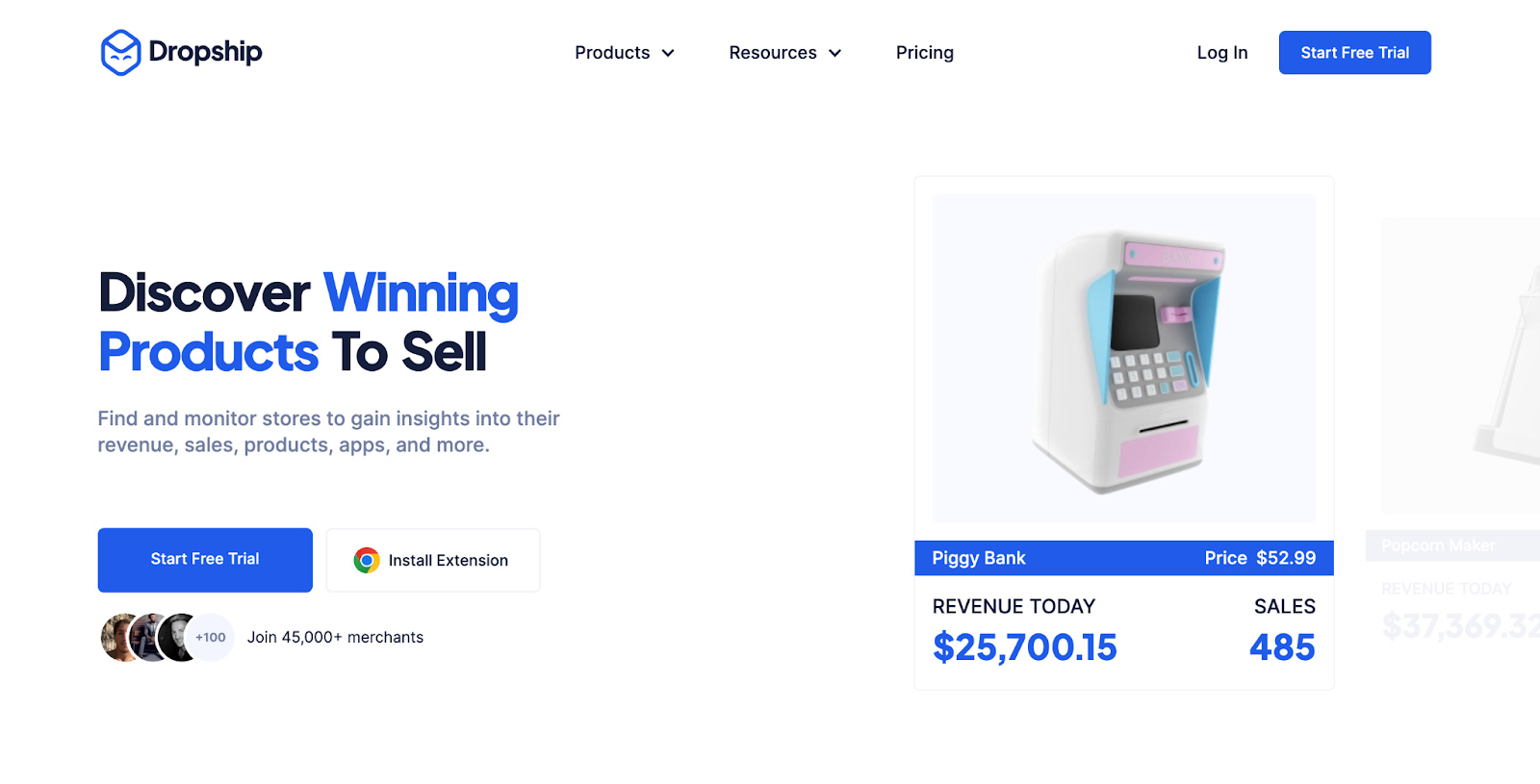
The Product Library and site navigation show research tools for products, shops, sales, ads, and competitors. A subscription buys access to that software. The exact supplier listing still sets the supply and delivery route.
Use the evidence to form a product hypothesis. Then find the exact supplier listing and destination terms.
The drawback is the gap between a market signal and an order you can support. Write down which signal led to the product. Order one sample from the exact supplier listing and compare it with the product claim you recorded. Use a second store or ad signal to challenge the first finding before you pay for stock or traffic.
3. AutoDS is best for workflow automation
AutoDS fits when a working route needs product, price, or stock automation. It can also handle order and tracking tasks. Those repeated tasks become slow and error-prone across stores. AutoDS is a poor first choice while the supplier, product, or return policy remains open.
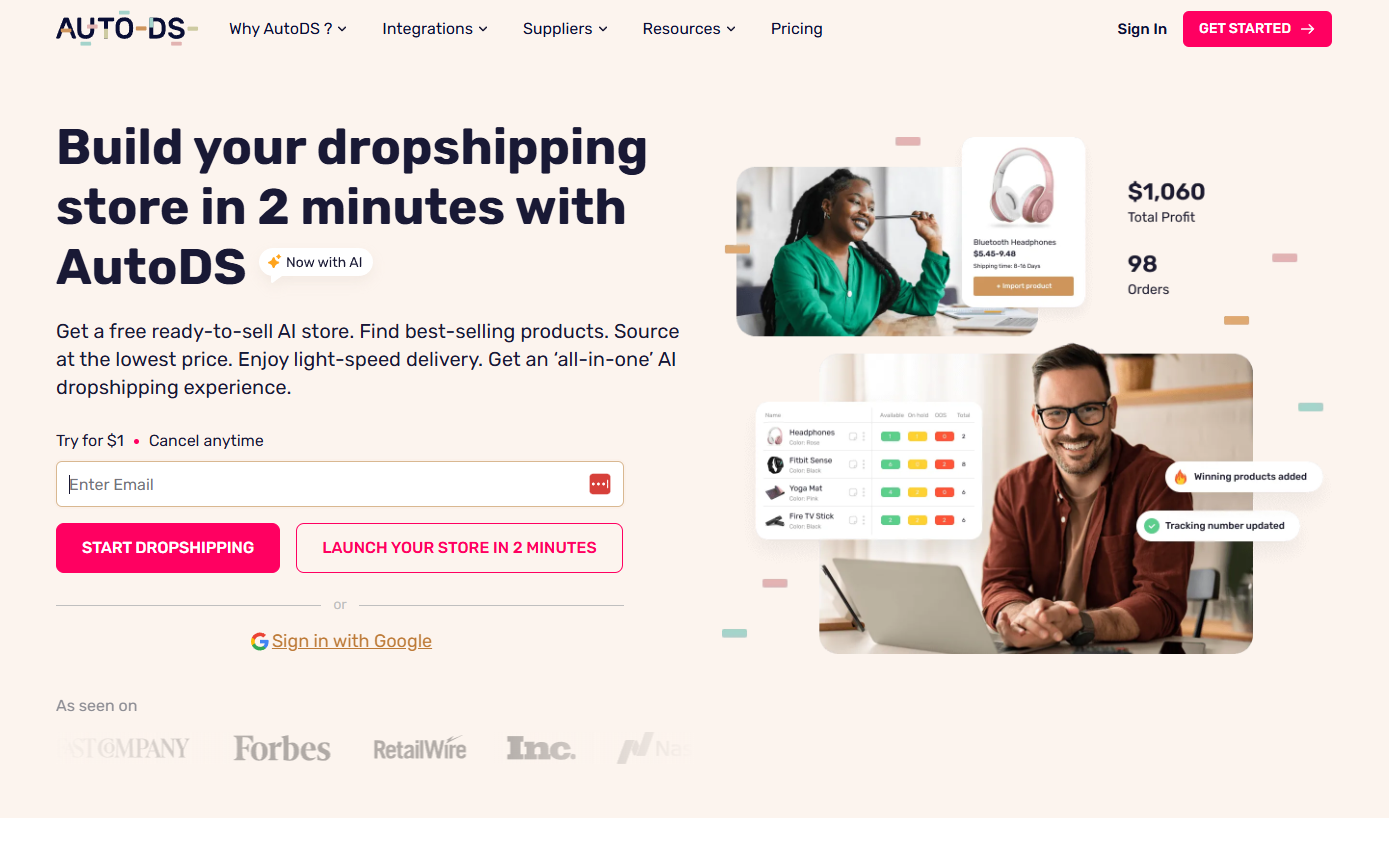
AutoDS lists product importing, inventory management, stock monitoring, tracking updates, and several store integrations on its official pricing page. Costs can include a subscription, add-ons, product payments, and shipping.
The material drawback is supplier dependence. AutoDS says returns vary by supplier and product type.
Because automation can repeat a bad price or route faster, run one manual order and return request before bulk processing. Map every automated field to its source. Record who must correct each stale supplier value. Keep one test product on manual watch until price, stock, and tracking updates match the source.
4. Printify is best for print-on-demand
Printify fits sellers who need custom goods made after each order. Its distinct role is production through a network of print providers. A generic wholesale catalog or fixed terms across every item require another route.
Printify's product catalog links items to different print providers. The network can connect to store channels, but the chosen provider makes and ships the item.
Its pricing page lists free and paid access. Product and shipping charges still depend on the selected item and provider.
I'd inspect a sample before trusting a mockup. Printify's refund guidance covers damage and manufacturing errors.
Buyer-remorse returns, such as a wrong chosen size, fall outside that policy. Match your store policy to that boundary before publishing. Specify the provider, print method, color, and size in the sample order. Compare the sample with the mockup under normal light, then record any print-placement or fabric difference.
5. Zendrop is best for managed fulfillment
Zendrop fits a seller who wants one workflow for sourcing. It also automates fulfillment.
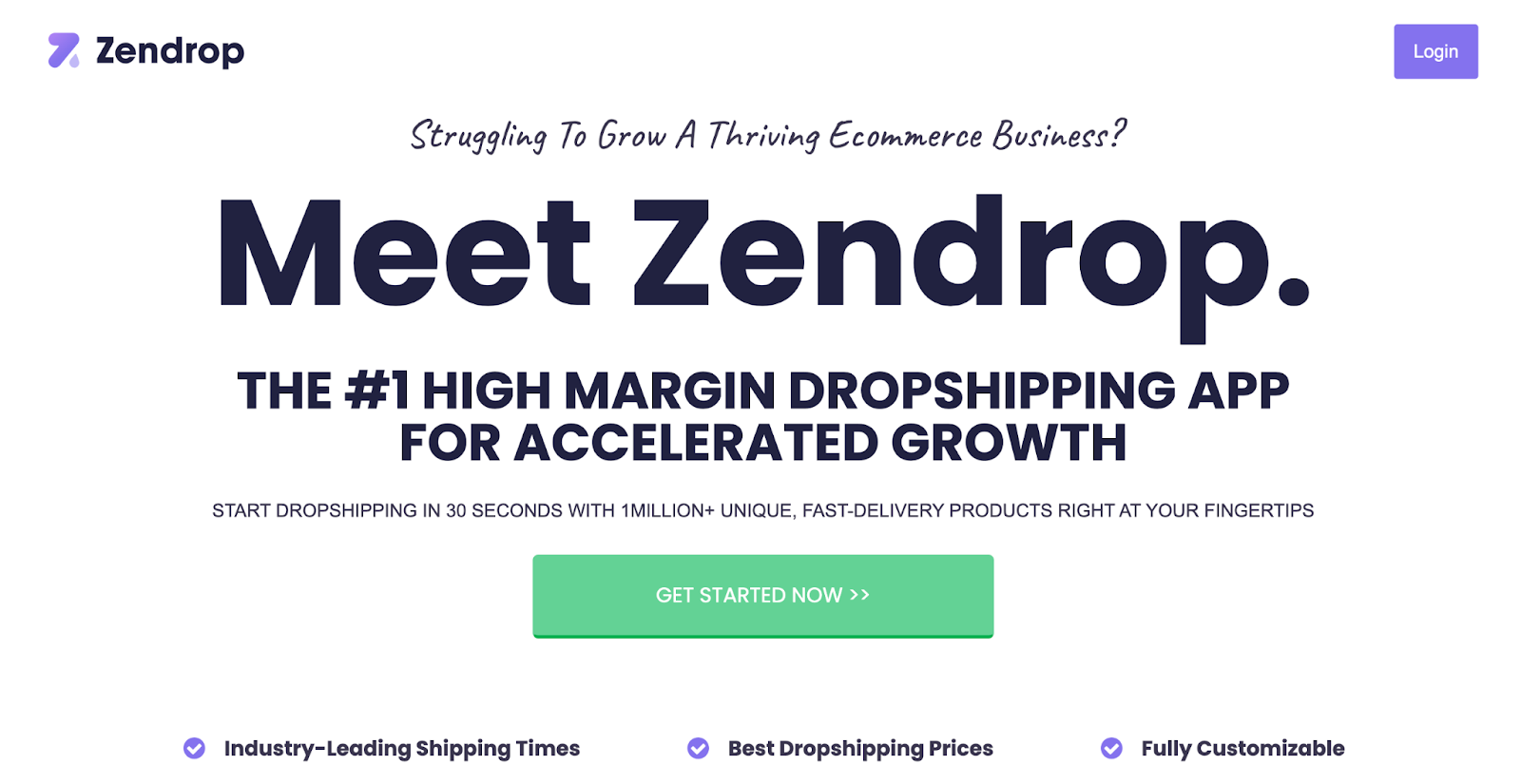
It covers more of the order path than a directory. It fits sellers who value one interface. It's a poor fit when you need free order processing or a return address supplied for every item.
Zendrop's plan guide lists product sourcing and automated fulfillment. The free plan supports catalog browsing.
Importing and order processing require paid access. That access may use standard or usage-based billing, and product orders remain separate costs.
The return boundary matters most. Zendrop says store owners handle customer refunds and must provide their own address when a physical return is needed. Confirm the exact item's source, destination, claim route, and replacement terms before promising a simple return. Record the buyer-facing response time too, since the store receives the complaint first.
Use the plan shown inside your account because billing access can differ by signup date and product use.
6. SaleHoo is best for supplier discovery
SaleHoo fits when you need a searchable list of possible suppliers. It covers wholesalers, makers, and dropshippers, a role separate from store building and fulfillment. It fits a seller willing to contact candidates.
SaleHoo supplies leads, and you arrange order processing with the chosen supplier or another workflow.
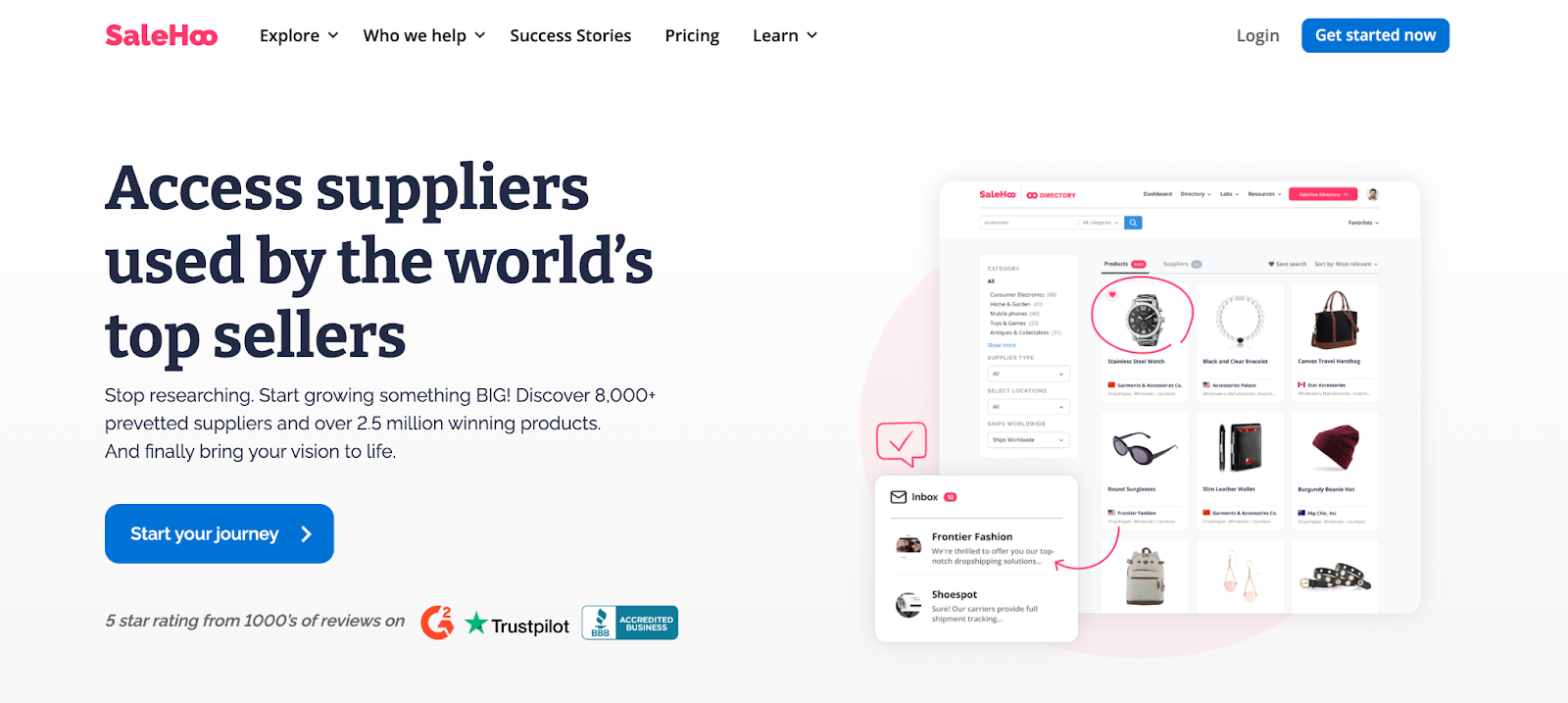
SaleHoo describes its Supplier Directory as a searchable database. Its filters cover supplier type, location, and order quantity.
Access uses a membership model. Each supplier sets the product quote, shipping, order process, and commercial terms.
The drawback is the handoff after discovery. A vetted directory record shows a possible partner. Your exact SKU and destination still need written proof, and use our Find Dropshipping Suppliers guide to build a shortlist.
Get the selected supplier's return owner and route in writing. Ask each candidate for the same item quote so price and shipping remain comparable. Save the supplier's dated reply beside the quote, since directory details can change after your first search.
7. Syncee is best for supplier marketplace access
Syncee fits when you want to browse suppliers. It can connect their products to an existing store.
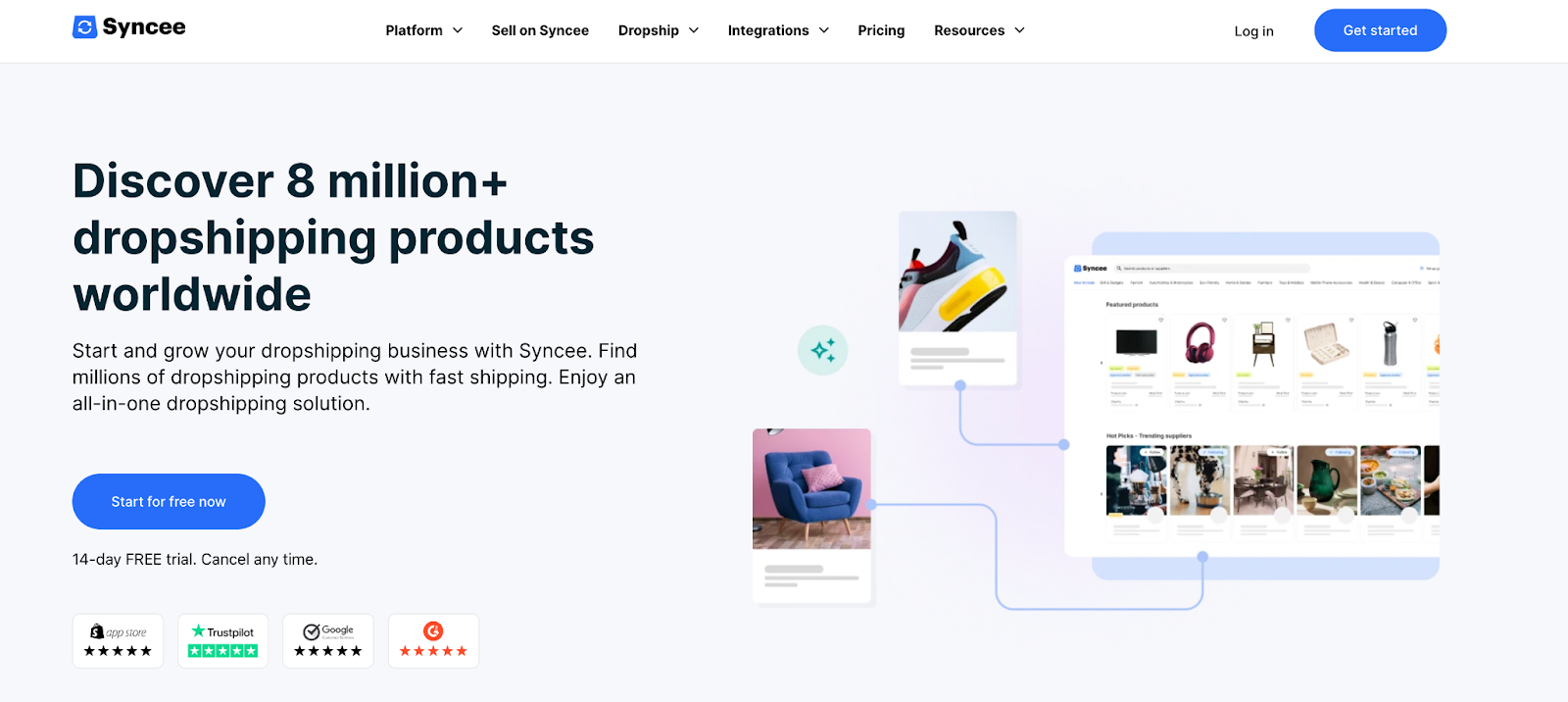
It combines marketplace discovery with product and order data sync. Syncee is a poor fit when one company must set the shipping and return terms for every supplier.
Syncee's pricing page says retailers can browse on a free plan. Paid plans add product imports and automated work.
Store integrations and product limits depend on the selected service. Suppliers still fulfill the orders.
Supplier-controlled terms are Syncee's main drawback. Its returns guide says each supplier sets its own return, refund, shipping, and warranty conditions.
Open the exact supplier record. Accept it only when it names the destination and buyer's return contact. Keep that policy beside the product record because another Syncee item may use different terms. Import one product first and confirm that its price, stock, order, and tracking fields update as expected.
8. DSers is best for AliExpress order workflows
DSers fits sellers using AliExpress listings with a confirmed ship-from point, destination terms, dispute route, and tested variant map. It speeds up order processing.
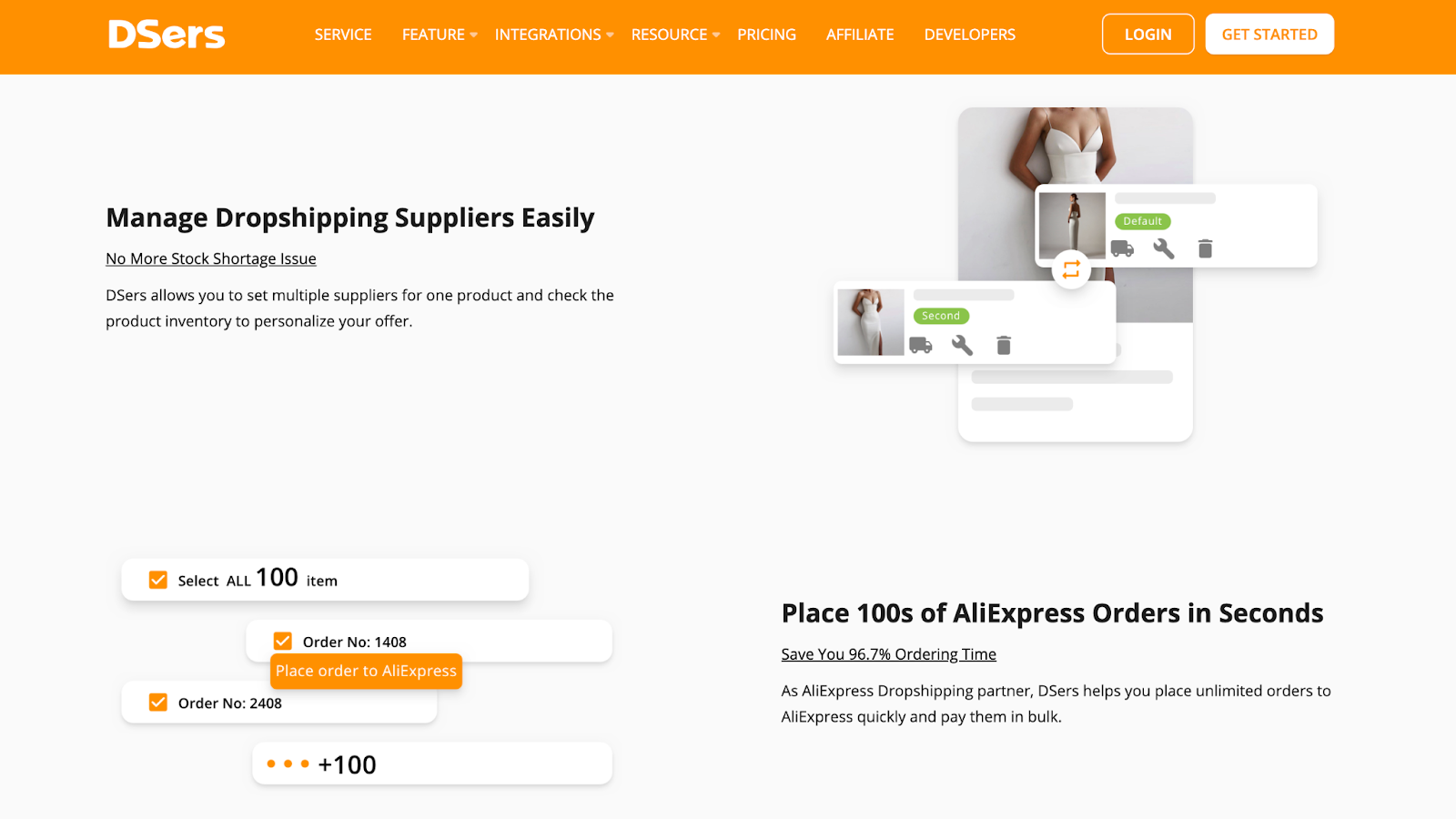
Marketplace ordering has its own workflow. The AliExpress seller still sets the product terms. DSers is a poor fit when delivery or return terms must stay fixed across sellers. The DSers pricing page lists a free tier, paid subscriptions, bulk processing, supplier mapping, and shipping rules.
Those features help send and manage orders, but the selected marketplace seller still controls the item and shipment. DSers states that a paid order's address must be changed through the AliExpress or Alibaba supplier.
Supplier-controlled service levels are DSers' main drawback. DSers can sync workflow data, while only the seller can offer the service level.
Check the exact listing, ship-from point, destination, and dispute route before bulk ordering. Save the marketplace order link beside your store order. That helps support find the responsible seller. Choose a backup seller for the same product, but test its variant mapping before switching a live order.
9. CJDropshipping is best for sourcing support
CJDropshipping fits when you need product sourcing plus a quoted route. That route can cover fulfillment or storage.
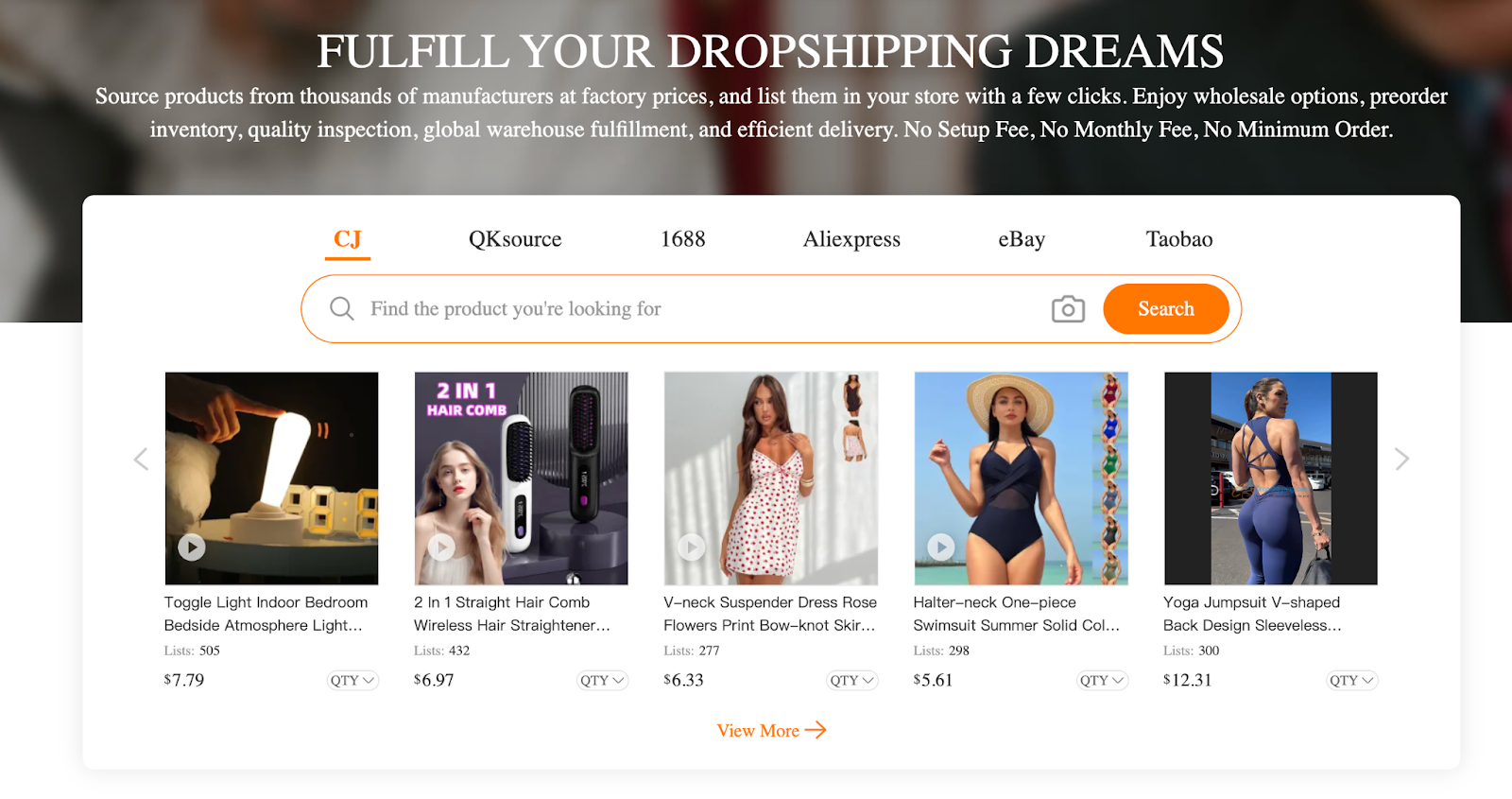
It can connect sourcing, storage, packing, labeling, and shipping. CJ is a poor fit when you need one price or delivery promise before choosing the item, warehouse, and destination. CJ's service page describes shipping, storage, inspection, packing, stocktaking, labeling, and optional overseas warehouse work.
The cost model combines product, shipping, service, and inventory charges. Availability and fees depend on the exact item and route.
Its user agreement routes logistics problems through CJ's dispute and refund process. The seller still answers the buyer and supplies evidence when a claim arises.
Request one SKU quote with origin, destination, handling, tracking, and return instructions. For warehouse stock, confirm the item quantity and service charge in the same quote. Keep the quoted warehouse tied to that SKU, since stock in another location may change both cost and delivery.
Build the stack around the customer promise
The Dropshipping Stack Check assigns an owner to each buyer-facing handoff before launch. The check covers checkout, delivery, returns, and support.
Run these five steps in dependency order,
- Research: Record the product claim and evidence, then save the exact supplier listing or written reply.
- Storefront: Compare the checkout price, shipping charge, delivery terms, and return terms with the saved supplier route before publishing.
- Supplier or producer: Record the seller, item, origin, and stock, then get written proof that the item is available.
- Fulfillment and tracking: Name who packs, ships, and updates tracking for the chosen destination route.
- Return and support: Name the buyer contact, return address, and claim owner for the full written path.
Our guide to choose a dropshipping supplier covers supplier checks once this map exposes the missing owner. One company may cover several steps, but the exact product, destination, and account terms decide whether the handoffs work together.
Zendrop shows how this check can change a decision. Its free plan can browse the catalog but can't process orders. Its return policy puts refunds and any return address on the store owner. A seller without paid order access or a return address should reject that route.
Store the five owners on one route card. Add the source link and check date beside each one. When a field changes, update that handoff before you change the live listing. This keeps a tool update from quietly changing the promise your buyer sees.
Check the costs a free plan can defer
A free account can lower software spend. The delivered order still carries product, shipping, payment, support, and acquisition costs. Estimated delivered-order cost includes the confirmed charges and planning assumptions used to get the item to the buyer.
Compare two hypothetical quotes for the same product and destination:
Candidate B has the lower estimated cost. Its product price is still higher. A current quote could reverse the result by adding a fee, duty, refund cost, or different payment rate.
I compare like-for-like route totals and keep every unknown visible. Compare the full route first. Then add acquisition cost once both routes use the same product, destination, and order assumptions.
Treat the return reserve as your own planning input. Replace it with store data once you have enough orders. Until then, label it as an assumption and test both a low and high case. That range shows whether a small change can erase the difference between two quotes.
Validate the supplier route first. Then use BEROAS to turn the remaining contribution into an ad-spend break-even point.
Summary: Compare delivered-order totals for one route before judging any plan by its account price.
Reject a candidate before it breaks the promise
Reject a candidate when you can't identify the product or route for one destination. Reject it if the delivery handoff or return owner is unknown. A smaller shortlist protects you from mistaking catalog size, app ease, or free access for an operating match.
Use these stop rules,
- Product: Reject a listing that lacks an exact variant or source.
- Destination: Reject a route without a dated listing or quote for the target country.
- Handoff: Reject an integration that leaves the fulfillment owner unnamed.
- Return: Reject an item that lacks a buyer-facing return process.
- Cost: Reject a route if an unknown charge, entered as a high-case assumption, erases contribution.
An app may connect cleanly while its selected seller offers no return path for your buyer's country. Limit that rejection to the tested product, seller, and destination because another listing or route may still pass.
Keep a short rejection note with the failed field and source. Use it to avoid reconsidering the same failed option after its home page changes. Keep the scope tied to that seller instead of every seller on the website.
I'd shortlist one primary option and one backup. Then I'd place one test order, follow its tracking, and submit one support request. That test directly checks checkout, tracking, and support.
FAQ
Are a storefront and supplier site the same thing?
No. A storefront owns the checkout, while a supplier site provides or fulfills the product. One business may offer both functions, but you still need to identify each responsibility.
Can I start with a free dropshipping website?
You can start with free access when it supports the job you need to test. Product, shipping, payment, support, and acquisition costs can still require cash.
When should I add an automation tool?
Add automation after one manual order completes through fulfillment, tracking, and support. That test gives the software a working route to repeat.
Do I need one supplier for every product?
You can use different suppliers when each product has a documented primary and backup route. Keep each listing tied to its own stock, delivery, and return terms.


